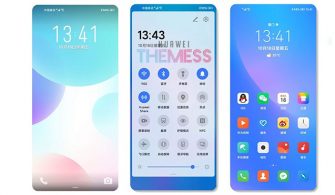
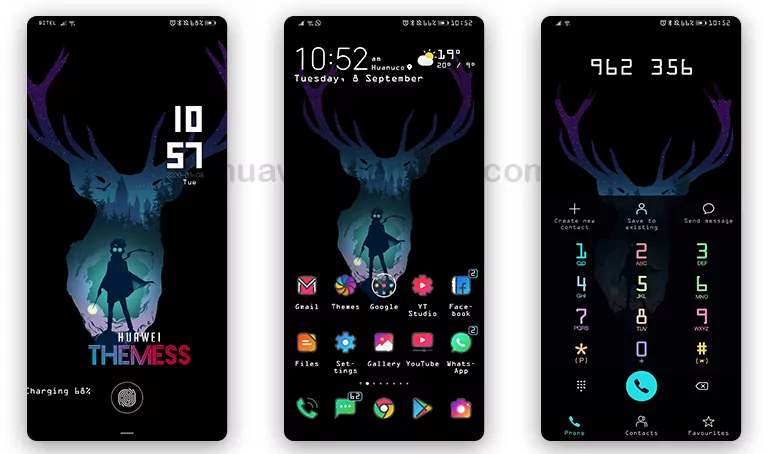
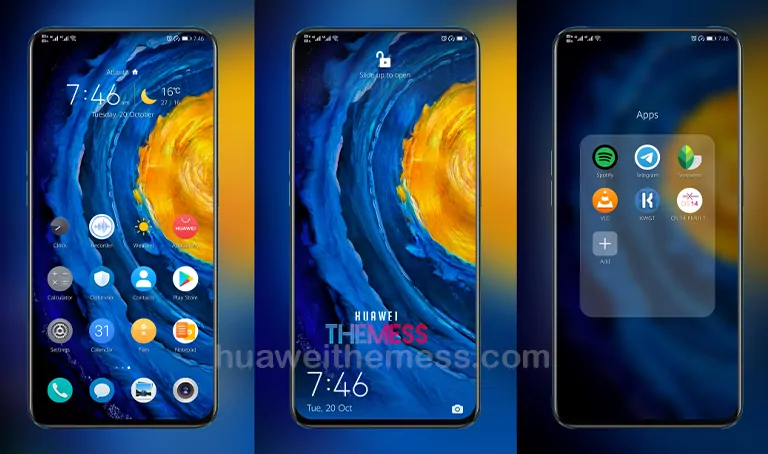
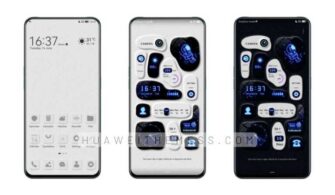
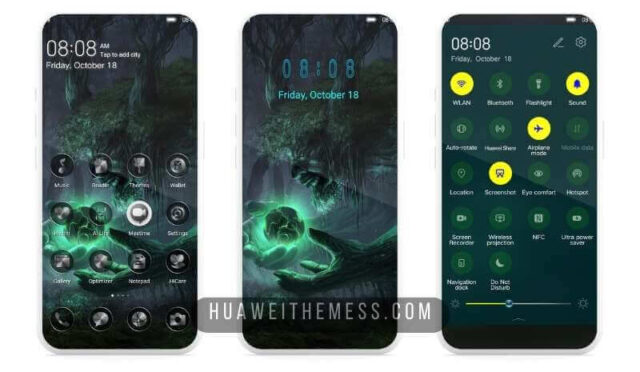
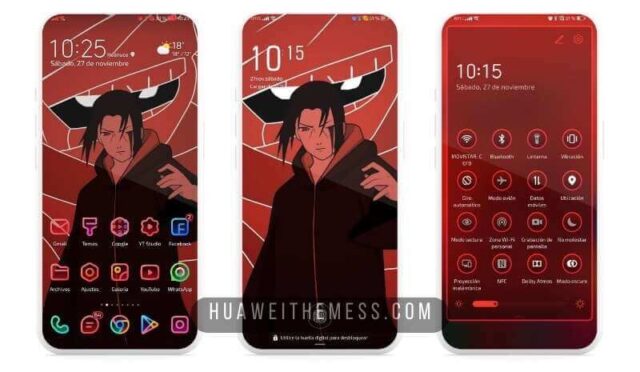
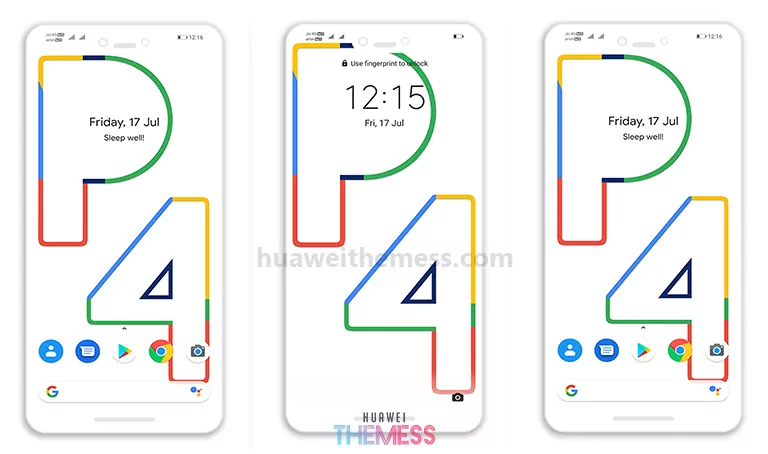
The EMUI ecosystem has long been synonymous with sleek, sophisticated designs, and the Basic theme for EMUI 10/11/HarmonyOS 1/2 and MagicUI 4/3 users takes this elegance to the next level. This theme is perfect for those seeking a seamless, distraction-free experience that lets the beauty of their device shine through.
A Harmonious Blend of Style and Functionality
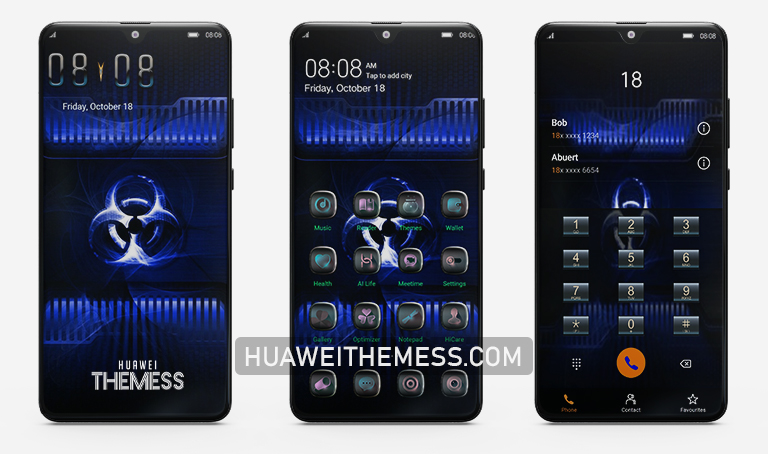
The Basic theme seamlessly integrates itself with EMUI’s core functionality, creating an immersive and intuitive experience that feels native to the operating system. Its clean and minimalist aesthetic allows the user to focus on what matters most – the content.
Compatibility Across EMUI and HarmonyOS
This theme has been carefully crafted to work seamlessly across a wide range of EMUI and HarmonyOS versions, including EMUI 11.1, EMUI 11, EMUI 10.1, EMUI 10, HarmonyOS, and MagicUI 4/3. Whether you’re using the latest flagship or an older model, the Basic theme is sure to provide a consistent and polished experience.
Frequently Asked Questions
What are the system requirements for this theme?
The Basic theme is compatible with EMUI 10/11/HarmonyOS 1/2 and MagicUI 4/3, and it is easy to install using the Huawei Themes app.



Can I customize the theme to my liking?
While the Basic theme is designed to be a sleek and minimalist experience, it can be customized to some extent using the theme’s built-in options. However, keep in mind that excessive customization may compromise the theme’s overall aesthetic.
How do I install this theme?
First, download the .hwt file and move it to the Huawei/Themes folder, then apply it via the Themes app. Click here to learn in detail
The Basic theme is a masterclass in restraint and elegance, offering a seamless and immersive experience that lets the user truly appreciate the beauty of their device. If you’re looking for a theme that seamlessly integrates with EMUI’s core functionality, look no further than the Basic theme.