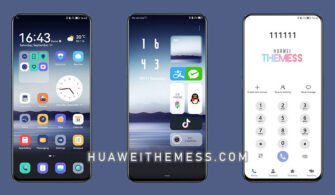
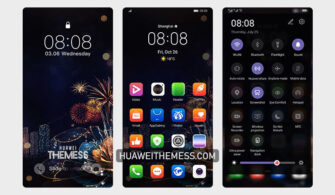
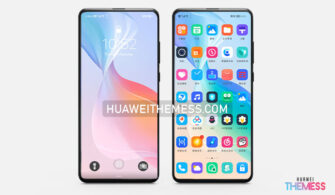
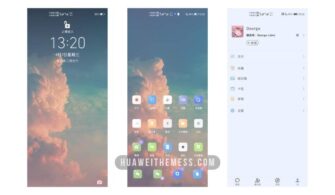
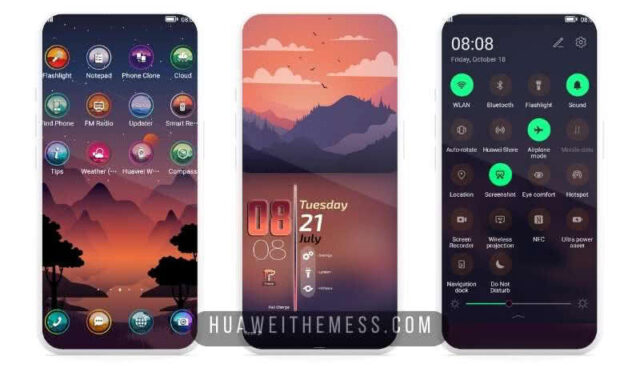
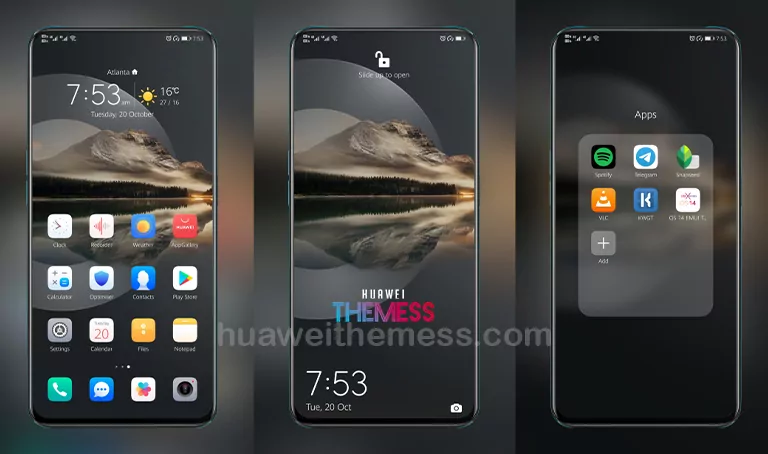
Get ready to elevate your Huawei device’s aesthetic with CollectionOS, a sleek and modern theme that brings a fresh new look to EMUI 11/10 and MagicUI 4/3 users. With its clean design and vibrant colors, this theme is perfect for those who want to personalize their phone according to their taste.
CollectionOS on your Huawei/Honor Device: Features and Charm
CollectionOS boasts an array of impressive features, including stunning gray and dynamic wallpapers, cool icons, and changed app lookings that will transform your device’s interface. Whether you’re a fan of subtle elegance or bold statements, this theme has got you covered. With a seamless blend of style and functionality, CollectionOS is the perfect choice for anyone looking to give their EMUI 11/10 or MagicUI 4/3 device a premium makeover.
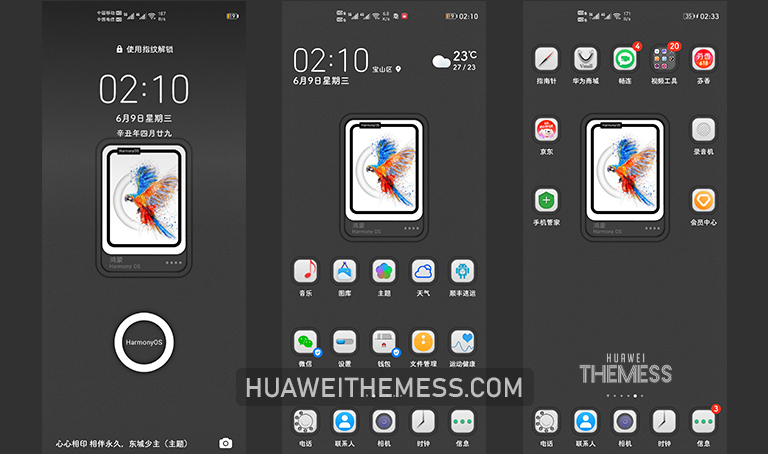
From the moment you apply the theme, you’ll notice a significant upgrade in your device’s visual appeal. The dynamic wallpapers and cool icons add a touch of sophistication, while the changed app lookings make navigation a breeze. Whether you’re browsing through your home screen or using your favorite apps, CollectionOS ensures that every aspect of your device’s interface is both stylish and efficient.
Compatibility: Supported EMUI and MagicOS Versions
CollectionOS is compatible with a wide range of EMUI and MagicOS versions, making it easy to install and enjoy on your Huawei or Honor device. Whether you’re running EMUI 11/10 or MagicUI 4/3, this theme has been carefully designed to work seamlessly with your operating system, ensuring a smooth and hassle-free experience.



Frequently Asked Questions (FAQ)
What is CollectionOS, and how does it work?
CollectionOS is a Huawei theme designed to give your device a sleek and modern look. It works by replacing your device’s default interface with a new set of dynamic wallpapers, cool icons, and changed app lookings, creating a seamless and stylish experience.
Is CollectionOS compatible with my EMUI or MagicOS version?
Yes, CollectionOS is compatible with a wide range of EMUI and MagicOS versions, including EMUI 11/10 and MagicUI 4/3.
How do I install CollectionOS on my Huawei device?
To install CollectionOS, simply download the .hwt file, move it to the Huawei/Themes folder, and apply it via the Themes app. For more detailed instructions, click here.
How to install this theme?
First, download the .hwt file and move it to the Huawei/Themes folder, then apply it via the Themes app. Click here to learn in detail.
CollectionOS is more than just a theme – it’s an experience. With its clean design, vibrant colors, and seamless functionality, this theme elevates your Huawei device’s aesthetic to new heights. Whether you’re looking to give your device a premium makeover or simply want to personalize your phone according to your taste, CollectionOS is the perfect choice. Try it out today and discover a whole new world of style and sophistication!