
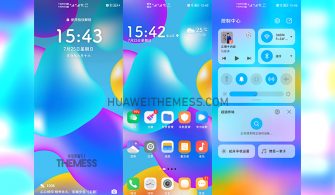
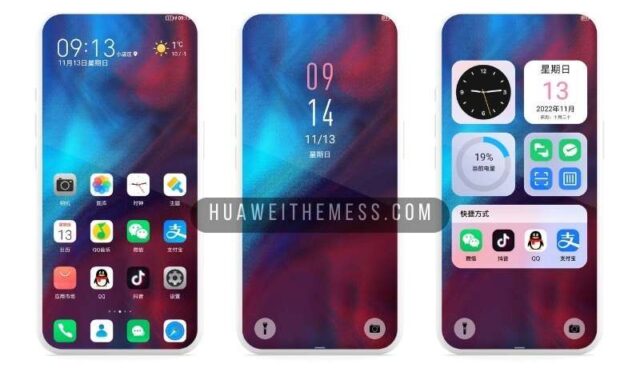
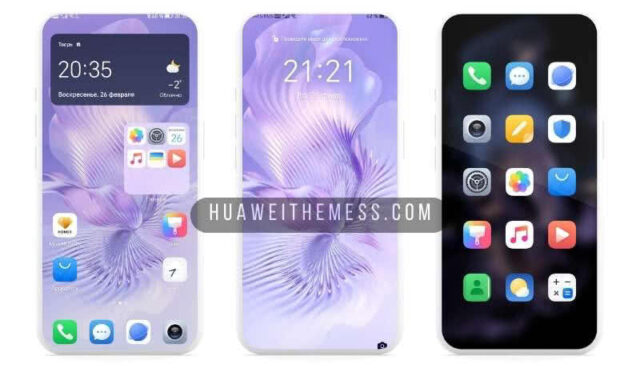
Unlock the full potential of your Huawei device with the sleek and modern JBPro theme, designed specifically for a premium EMUI 11 experience. This elegant theme boasts an array of customization options to personalize your phone according to your unique style and preferences, taking your device to the next level of visual appeal.
Unleash the Sleek JBPro Aesthetic on Your Huawei EMUI 11 Device
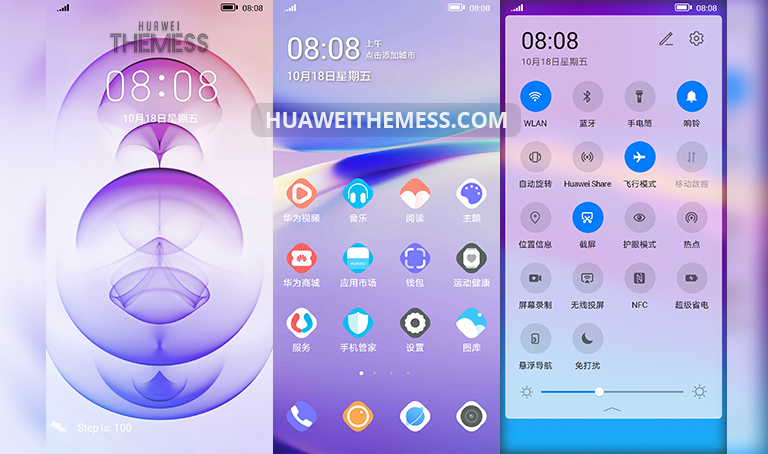
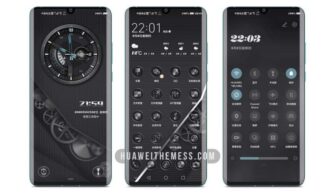
JBPro EMUI theme offers a wide range of premium features that will leave you mesmerized. From stylish wallpapers to revamped stock icons, this theme is packed with an abundance of customization options. You can further enhance your device’s appearance by exploring the cool app look and usual stock look features, all of which contribute to an immersive user experience.
Seamless Compatibility with EMUI 11 and MagicUI 4
JBPro EMUI theme is designed to work seamlessly with EMUI 11 and MagicUI 4, ensuring a smooth and hassle-free installation process. With its optimized performance, you can enjoy uninterrupted usage without any compatibility issues.



Frequently Asked Questions (FAQ)
What devices is the JBPro EMUI theme compatible with?
The JBPro EMUI theme is specifically designed for EMUI 11 and MagicUI 4 devices, ensuring a seamless installation process and optimal performance.
Is the JBPro EMUI theme free from bugs and issues?
Yes, the JBPro EMUI theme has been thoroughly tested and is free from any known bugs or issues. However, we recommend restarting your device after applying the theme to ensure a seamless experience.
How to install the JBPro EMUI theme?
First, download the .hwt file and move it to the Huawei/Themes folder, then apply it via the Themes app. Click here to learn in detail.
The JBPro EMUI theme is a game-changer for users seeking a premium aesthetic experience on their Huawei device. With its sleek design, robust features, and seamless compatibility, this theme is an absolute must-have for anyone looking to elevate their device’s visual appeal.



Yen 😂