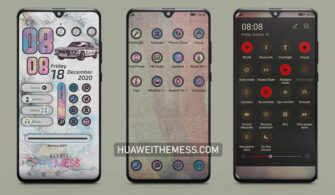
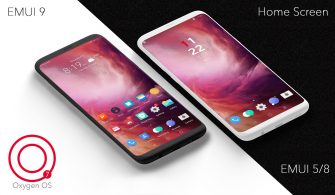
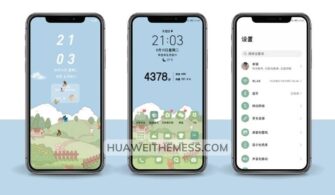
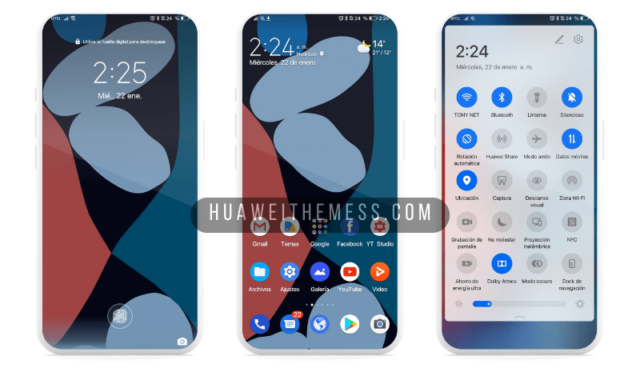
Blooming in more ways than one, this captivating theme is a breath of fresh air for HarmonyOS and EMUI users alike. With its mesmerizing visuals and attention to detail, it’s the perfect way to personalize your Huawei device and make it truly stand out from the crowd.
Blooming EMUI Theme: A Symphony of Style and Substance
The Blooming theme is a masterclass in design, blending vibrant colors and sleek lines to create a truly immersive experience. From the moment you wake up your device, you’ll be greeted by a stunning lock screen that sets the tone for a day of effortless elegance. And with its intuitive layout and user-friendly interface, you’ll be navigating your device with ease and confidence.
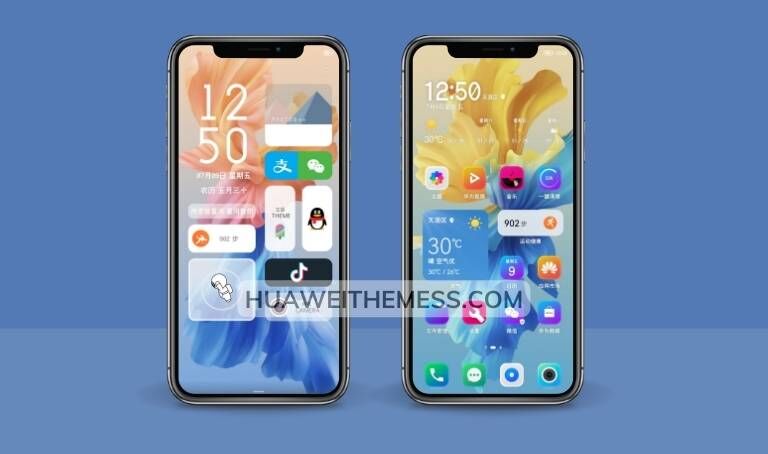
But the Blooming theme is more than just a pretty face. Its robust feature set includes a range of innovative tools and enhancements that will take your device to the next level. From customizable wallpapers to dynamic icon packs, this theme has everything you need to create a truly unique and personalized experience.
Compatibility: Harmony with Your Huawei Device
The Blooming theme is specifically designed to work seamlessly with HarmonyOS and EMUI, ensuring a smooth and hassle-free experience across a range of devices. Whether you’re running the latest EMUI 12 or an earlier version, this theme is compatible with a range of Huawei devices, including the P30, P40, and Mate 30 series.



Frequently Asked Questions (FAQ)
What are the system requirements for the Blooming theme?
The Blooming theme is compatible with HarmonyOS 2/1, EMUI 12/11/10/9, and MagicUI 5/4/3/2. Please ensure that your device meets the minimum system requirements before downloading and installing the theme.
How do I install the Blooming theme?
To install the Blooming theme, simply download the .hwt file and move it to the Huawei/Themes folder. Then, restart your device and apply the theme via the Themes app.
Are there any bugs or issues with the Blooming theme?
The Blooming theme has undergone rigorous testing to ensure a smooth and bug-free experience. However, if you encounter any issues, please refer to our troubleshooting guide or contact our support team for assistance.
How do I update the Blooming theme?
To update the Blooming theme, simply download the latest version from our website and follow the same installation instructions as before. Note that you may need to restart your device after updating the theme.
How to install this theme?
First, download the .hwt file and move it to the Huawei/Themes folder, then apply it via the Themes app. Click here to learn in detail.
The Blooming theme is a true masterpiece of design and engineering, offering a unique and personalized experience that will elevate your Huawei device to new heights. With its vibrant colors, sleek lines, and intuitive interface, it’s the perfect way to make a statement and show off your personal style.