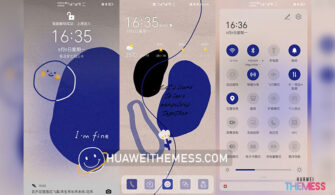
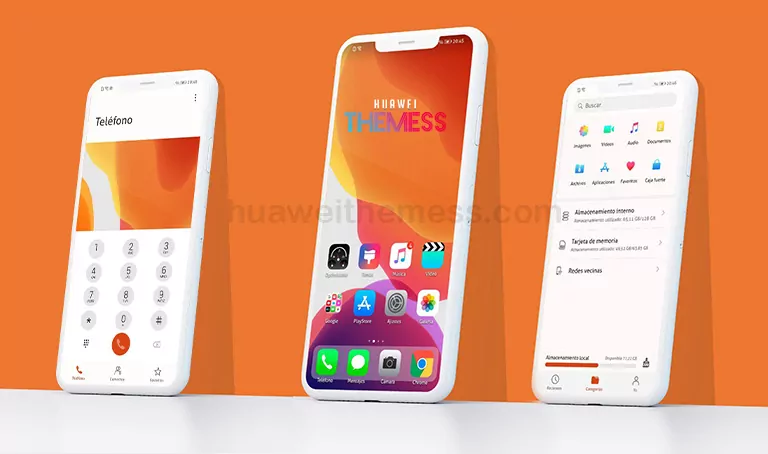
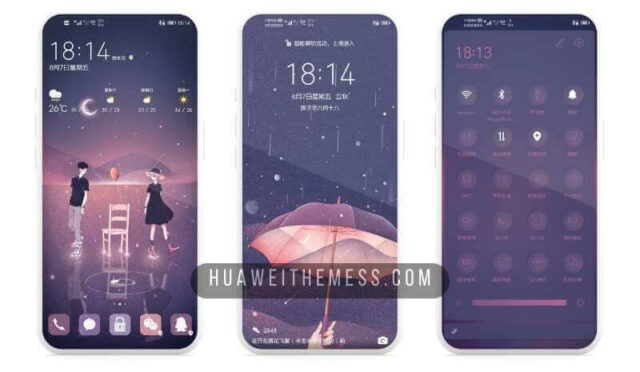
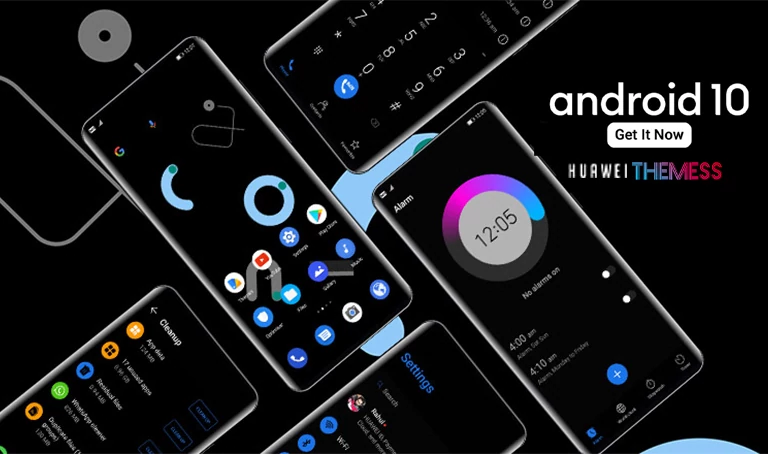
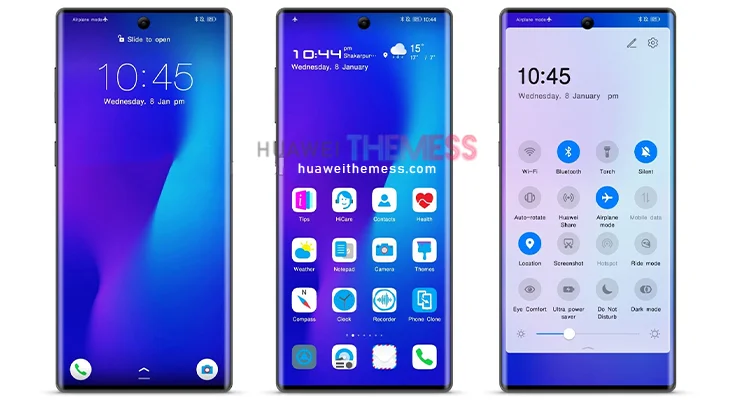
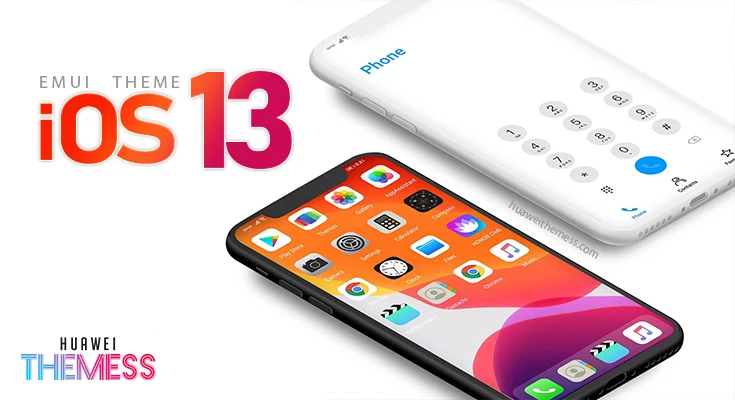
Get ready to transform your Huawei device into a stunning work of art with the Dream theme, now available for EMUI 10.1/10/9.1/9.0 and MagicUI 3/2 users. This theme is a paradise for those who crave a unique and personalized look, allowing you to express your individuality and showcase your style.
Dreamy Features on Your Huawei Device
The Dream theme is a masterclass in sleek design, boasting a captivating Dynamic Lockscreen that will leave you mesmerized. The Purple-Neon App Lookings and Green Notification Panel and buttons add a touch of sophistication and elegance, making your device a true head-turner. But that’s not all – this theme has also been optimized to provide a seamless user experience, with bugs fixed to ensure a smooth ride.
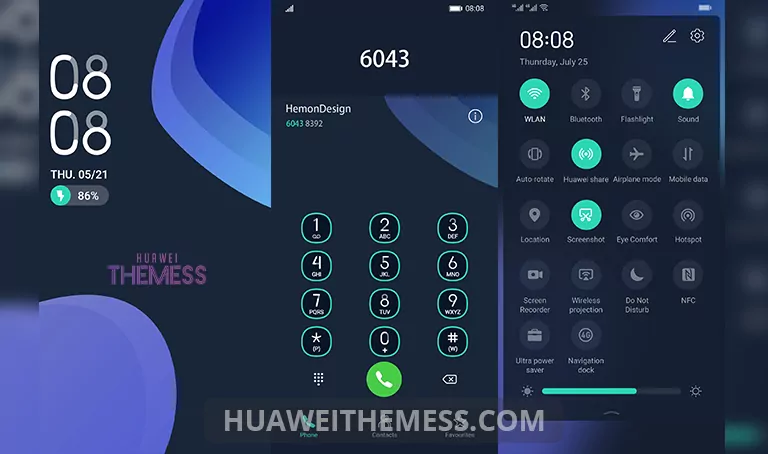
Whether you’re a fan of vibrant colors or prefer a more subtle approach, the Dream theme caters to your every whim. With its extensive feature set and eye-catching visuals, this theme is sure to elevate your Huawei device to new heights.
Compatibility with EMUI and MagicUI
Don’t worry about compatibility issues – the Dream theme is designed to work seamlessly with EMUI 10.1/10/9.1/9.0 and MagicUI 3/2. Simply download and apply the theme, and get ready to experience the ultimate in customization and style.



Frequently Asked Questions
What devices are compatible with the Dream theme?
The Dream theme is compatible with Huawei devices running EMUI 10.1/10/9.1/9.0 and MagicUI 3/2.
How do I apply the Dream theme?
To apply the Dream theme, download the .hwt file and move it to the Huawei/Themes folder, then apply it via the Themes app. Click here to learn in detail.
Are there any bugs or issues with the Dream theme?
The Dream theme has been optimized to provide a seamless user experience, with bugs fixed to ensure a smooth ride.
How do I uninstall the Dream theme?
To uninstall the Dream theme, simply go to the Themes app, select the theme, and choose to uninstall it.
How to install this theme?
First, download the .hwt file and move it to the Huawei/Themes folder, then apply it via the Themes app. Click here to learn in detail.
The Dream theme is a game-changer for Huawei device owners, offering an unparalleled level of customization and style. With its stunning visuals, sleek design, and seamless user experience, this theme is sure to elevate your device to new heights. Download now and experience the Dreamy aesthetic for yourself!