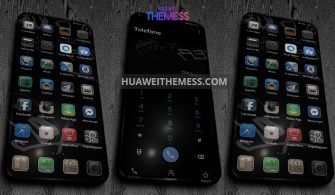
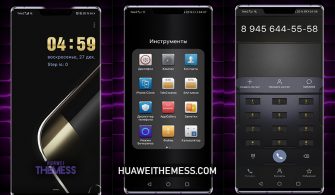
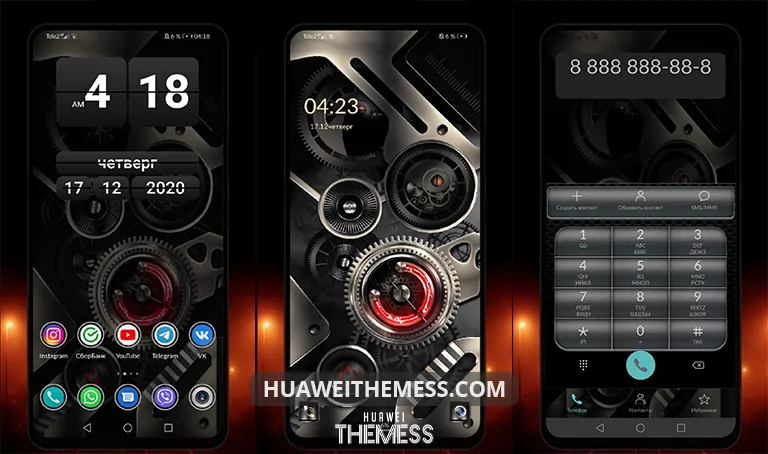
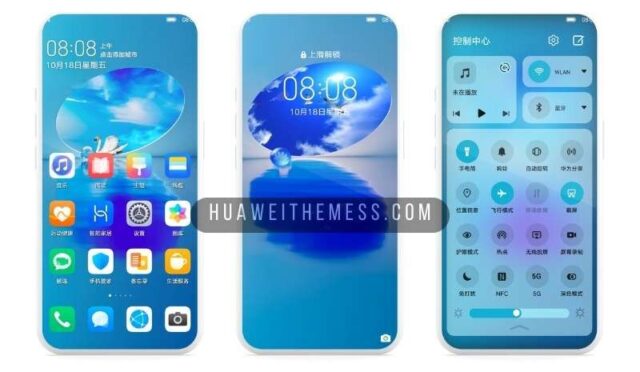
Get ready to immerse yourself in a world of elegance with the Magic Dark theme, carefully crafted to bring a premium Apple experience to your Huawei device. This stunning theme offers a wide range of customization options to personalize your device according to your unique style and preferences.
Step into a World of Elegance: Magic Dark EMUI Theme Features
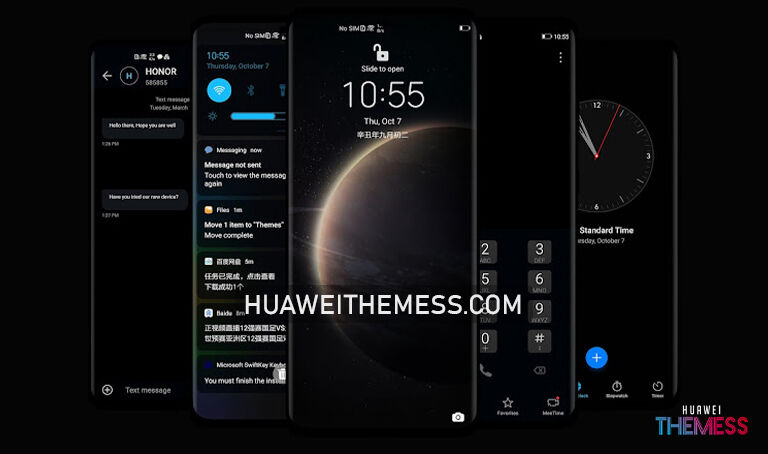
With the Magic Dark theme, you’ll be treated to a sophisticated and refined user interface that exudes elegance and sophistication. Some of the key features of this theme include:
- Stunning Magic Dark wallpapers that set the tone for a premium experience
- A stylish and modern lockscreen design that adds an extra layer of sophistication
- Enhanced app icon styles that perfectly blend with the dark background
- Fresh and modern icons that add a touch of elegance to your home screen
- And many more exciting features that elevate your EMUI experience to new heights
Magic Dark EMUI Theme for EMUI & MagicUI Devices
Frequently Asked Questions (FAQ)
What are the features of the Magic Dark EMUI Theme?
The Magic Dark theme offers a range of premium features, including stunning Magic Dark wallpapers, stylish lockscreen design, enhanced app icon styles, and fresh and modern icons, among many others.



What devices is the Magic Dark theme compatible with?
The Magic Dark theme is designed to work seamlessly on EMUI 12/11/10/9 and HarmonyOS devices, as well as MagicUI 5/4/3/2 devices.
How to install this theme?
First, download the .hwt file and move it to the Huawei/Themes folder, then apply it via the Themes app. Click here to learn in detail.
The Magic Dark theme is a game-changer for anyone looking to elevate their EMUI experience. With its sleek design and premium features, you’ll be treated to a truly unique and immersive experience that sets your device apart from the rest. Whether you’re a fan of minimalism or prefer a more elaborate look, this theme has something to offer everyone.