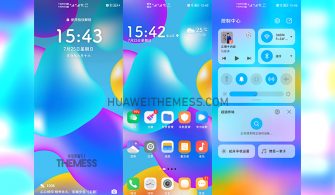
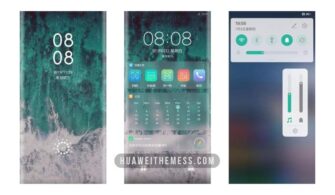
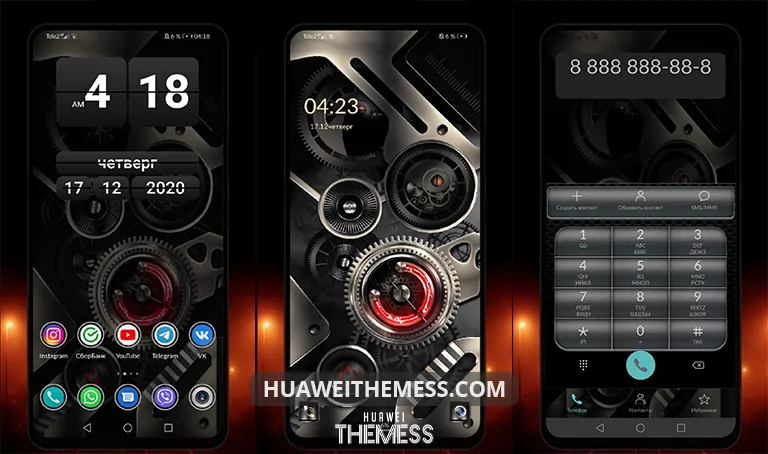
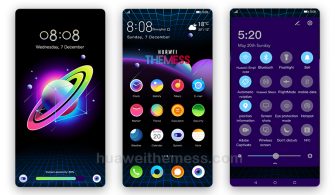
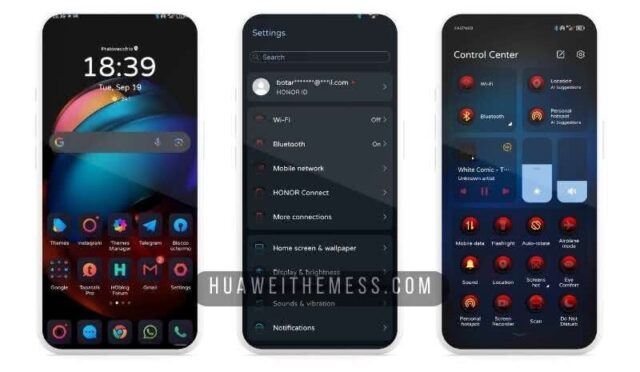
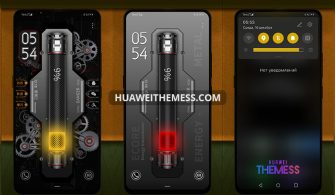
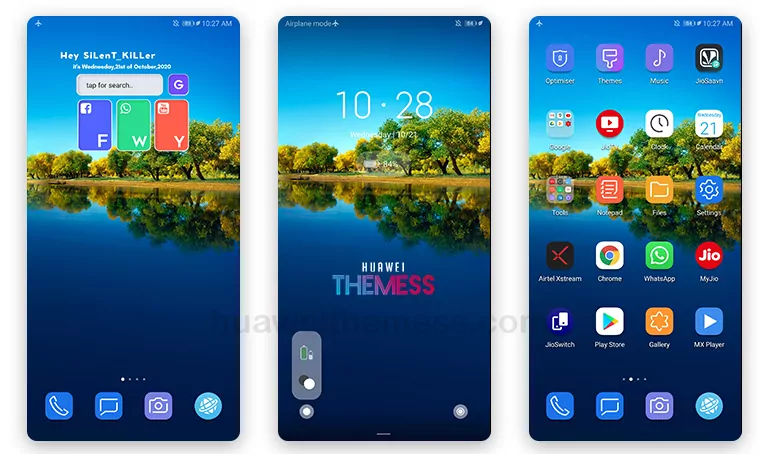
Get ready to spruce up your Huawei device with the Summer-Blossom theme, a vibrant and stylish makeover for EMUI 10.1/10/9.1/9.0 and MagicUI 3/2 users. This theme is a perfect blend of Huawei’s signature style and a fresh, blooming aesthetic, making it an excellent choice for those who want to add a pop of color to their phone’s interface.
Summer-Blossom Theme: Where Nature Meets Huawei’s Signature Style
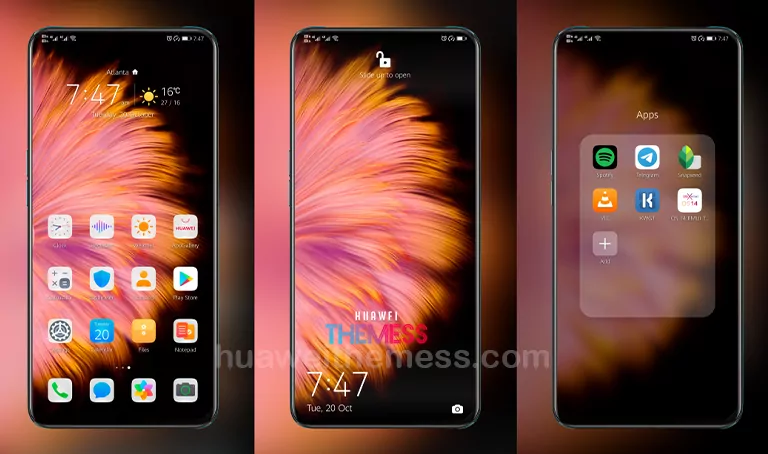
With Summer-Blossom, you can experience the essence of Huawei’s Mate 40 Stock Theme, reimagined with a floral twist. The theme features stunning flower blossom wallpapers, exclusive Huawei icons, and a stylish lockscreen design that’s sure to catch the eye. But that’s not all – this theme also includes changed widgets and a host of bug fixes to ensure a seamless user experience.
Compatibility: EMUI 10.1/10/9.1/9.0 and MagicUI 3/2
Summer-Blossom is designed to work seamlessly with EMUI 10.1/10/9.1/9.0 and MagicUI 3/2, ensuring that you can enjoy the full range of features and benefits without any compatibility issues. Whether you’re running the latest EMUI version or an older one, this theme is the perfect way to add some visual flair to your device.



Frequently Asked Questions (FAQ)
What devices are supported by the Summer-Blossom theme?
Summer-Blossom is compatible with Huawei devices running EMUI 10.1/10/9.1/9.0 and MagicUI 3/2.
How do I install the Summer-Blossom theme?
First, download the .hwt file and move it to the Huawei/Themes folder, then apply it via the Themes app. Click here to learn in detail.
Is the Summer-Blossom theme free?
Yes, Summer-Blossom is a free theme available for download from our website.
How do I reset the theme to its default settings?
To reset the theme to its default settings, go to the Themes app and select the Summer-Blossom theme. Then, tap on the three dots and select “Reset to Default” from the menu.
How to install this theme?
First, download the .hwt file and move it to the Huawei/Themes folder, then apply it via the Themes app. Click here to learn in detail.
Summer-Blossom is more than just a theme – it’s a statement of style and a reflection of your personality. With its vibrant colors and natural aesthetic, this theme is sure to turn heads and make your Huawei device stand out from the crowd. So why wait? Download Summer-Blossom today and experience the best of Huawei’s signature style with a fresh, blooming twist!