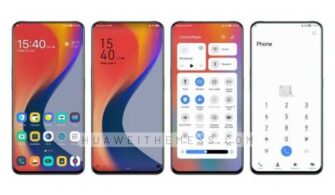
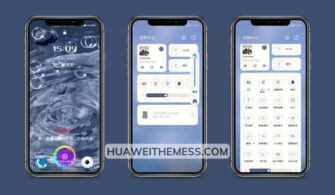
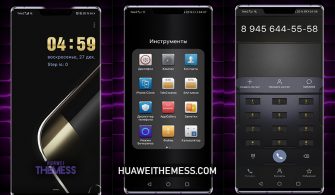
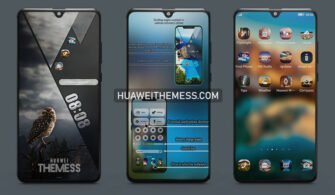
Get ready to immerse yourself in a world of minimalist elegance with the Lightness End theme, designed specifically for EMUI 9.1/9.0 and Magic UI 2 users. This theme is perfect for those who crave a clean and stylish look for their device, allowing you to personalize your phone according to your unique taste.
Unleash the Perfect Blend of Style and Functionality on your EMUI Device
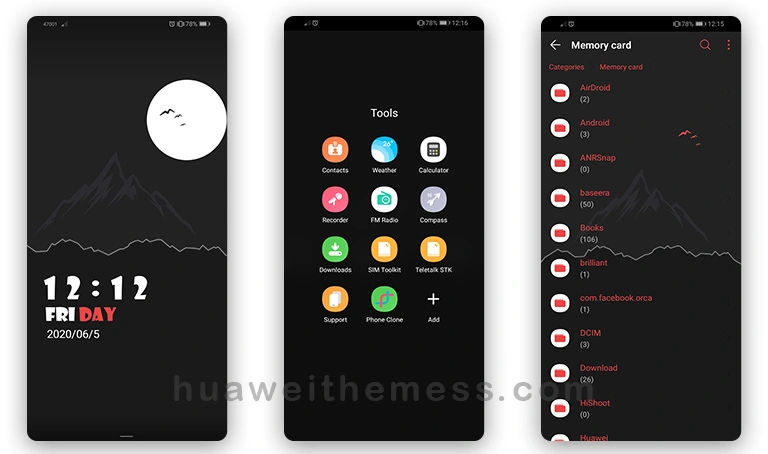
This theme boasts a range of impressive features, including:
- Minimal yet striking wallpapers that set the tone for your device’s aesthetic
- Flat icons that exude a sense of modernity and simplicity
- Customizable fonts that allow you to tailor the look and feel to your liking
- A stylish clock widget that adds a touch of sophistication to your home screen
- A new lockscreen design that provides a seamless and secure experience
- And many more exciting features to discover!
Supported EMUI and Magic UI Versions: Unlock a World of Possibilities
With Lightness End, you can enjoy a premium Apple-inspired experience on your EMUI device, compatible with EMUI 9.1/9.0 and Magic UI 2. Whether you’re looking to elevate your phone’s style or simply want a fresh new look, this theme has got you covered.
Frequently Asked Questions (FAQ)
What devices is the Lightness End theme compatible with?
[The Lightness End theme is specifically designed for EMUI 9.1/9.0 and Magic UI 2 devices.
Can I customize the fonts and icons?
[Yes, the Lightness End theme allows you to customize the fonts and icons to suit your personal taste and style.
How do I add a theme?
First, download the .hwt file and move it to the Huawei/Themes folder, then apply it via the Themes app. Click here to learn in detail.
With its sleek design and impressive features, the Lightness End theme is the perfect choice for anyone looking to elevate their EMUI device’s style and functionality. Whether you’re a fan of minimalism or simply want a fresh new look, this theme is sure to impress.