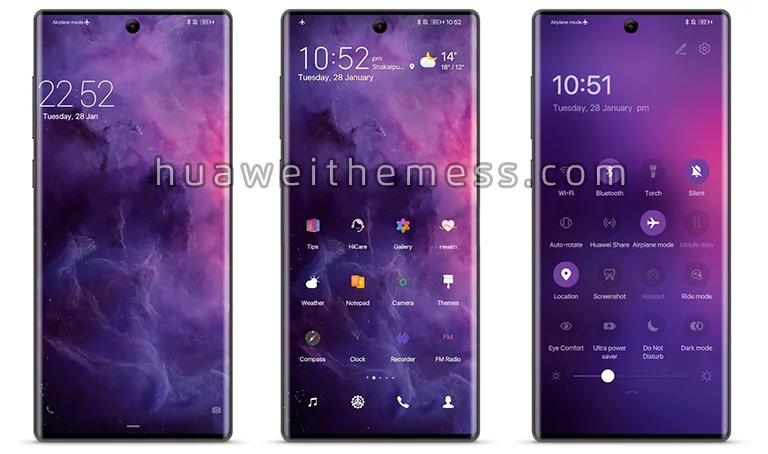
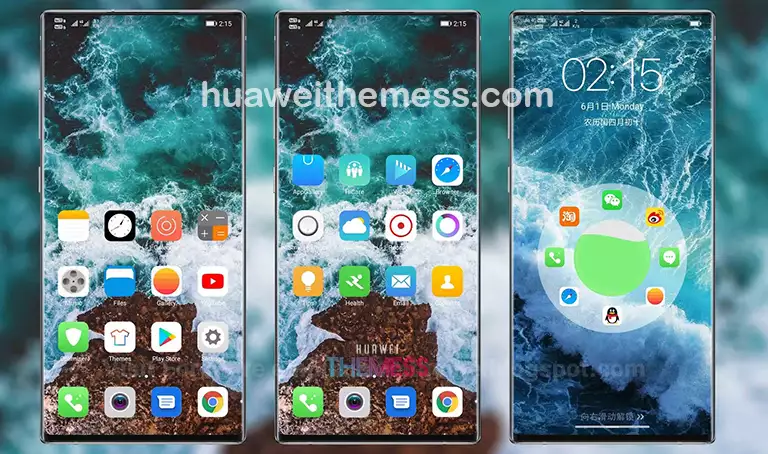
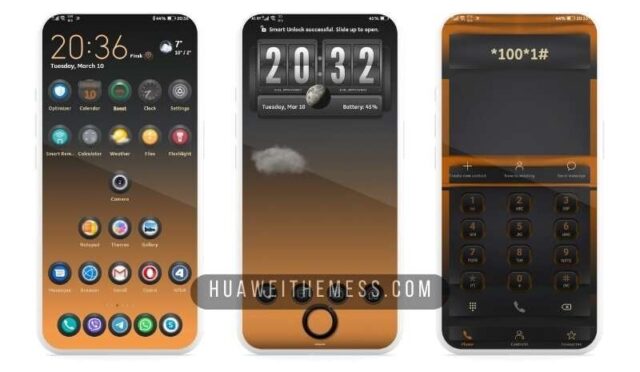
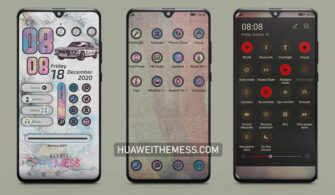
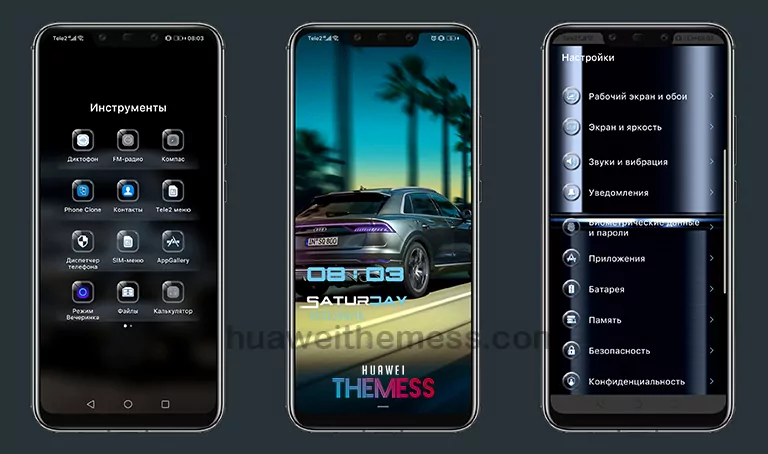
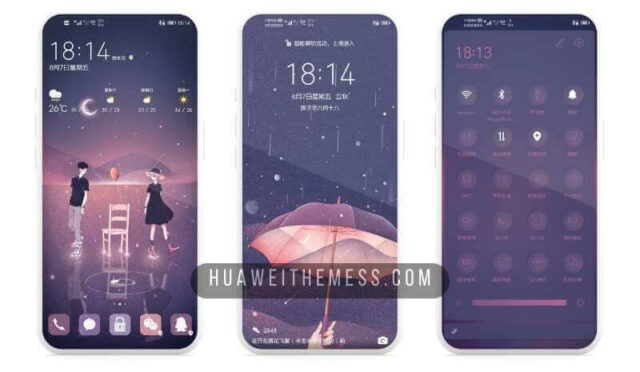
LimeUI Theme is a game-changer for Huawei device owners, offering a sleek and premium aesthetic that rivals the best of the Apple ecosystem. With its clean design and vibrant colors, this theme is a must-try for anyone looking to elevate their device’s look and feel.
LimeUI EMUI Theme: A Symphony of Style and Functionality
LimeUI EMUI Theme is a masterclass in design and functionality, blending the best of both worlds to create a unique user experience. With its stunning wallpapers, refined app icons, and smooth interface, this theme is a treat for the eyes and a joy to use. Whether you’re a fan of the iPhone or just want to give your Huawei device a fresh new look, LimeUI is the perfect choice.
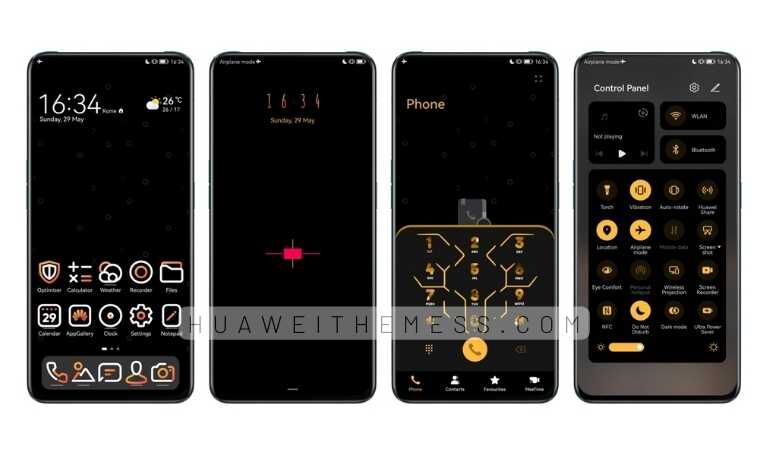
LimeUI EMUI Theme is designed to deliver a seamless and intuitive experience, with all the features you need to stay productive and entertained. From its dynamic lockscreen to its refined app icons, every detail has been crafted to create a cohesive and visually stunning design. Whether you’re browsing, gaming, or simply using your device, LimeUI is the perfect companion.
Compatibility: LimeUI Theme for EMUI 12/11/10/9 and MagicUI 5/4/3/2
LimeUI EMUI Theme is compatible with EMUI 12, 11, 10, 9, and MagicUI 5, 4, 3, and 2, making it a versatile choice for a wide range of Huawei devices. Whether you’re running the latest EMUI version or an older iteration, LimeUI is designed to work seamlessly with your device’s operating system.



Frequently Asked Questions (FAQ)
What devices is LimeUI EMUI Theme compatible with?
LimeUI EMUI Theme is compatible with EMUI 12, 11, 10, 9, and MagicUI 5, 4, 3, and 2, making it a versatile choice for a wide range of Huawei devices.
How do I install LimeUI EMUI Theme on my device?
To install LimeUI EMUI Theme, simply download the .hwt file from the provided link, move it to the Huawei/Themes folder, and apply it via the Themes app.
What are the system requirements for LimeUI EMUI Theme?
LimeUI EMUI Theme requires EMUI 12, 11, 10, 9, or MagicUI 5, 4, 3, or 2 to run smoothly.
How to install this theme?
First, download the .hwt file and move it to the Huawei/Themes folder, then apply it via the Themes app. Click here to learn in detail.
LimeUI EMUI Theme is a must-try for anyone looking to elevate their Huawei device’s look and feel. With its stunning design, refined features, and seamless performance, this theme is a game-changer for anyone who wants to experience the best of Huawei’s ecosystem. Give it a try today and discover a whole new world of possibility!