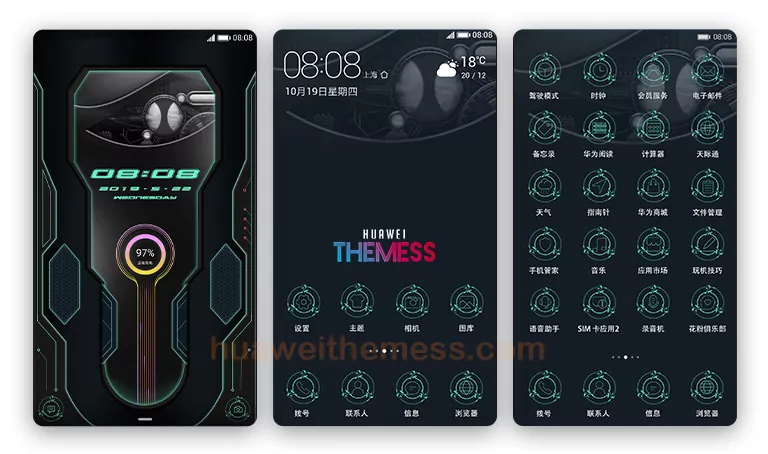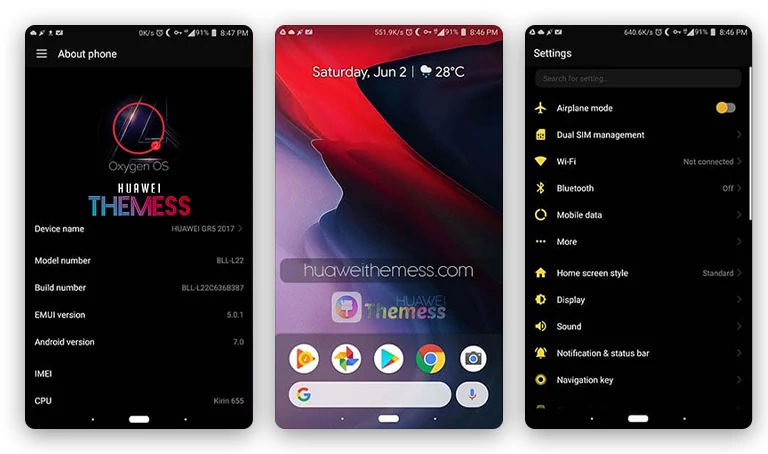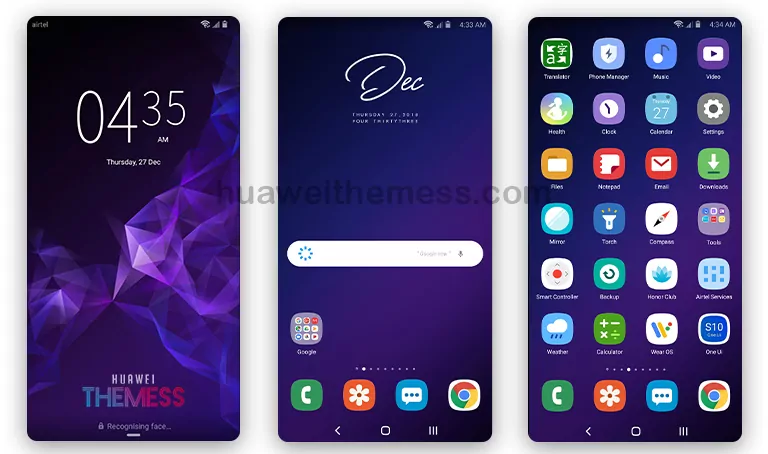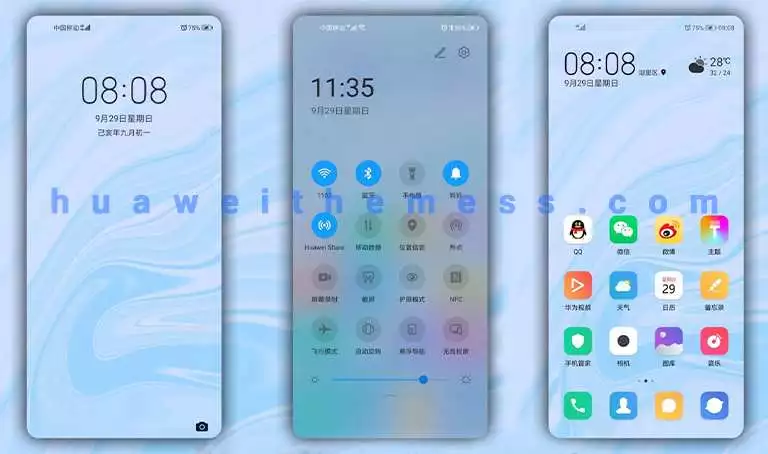
Get ready to unleash your inner rebel with the Skull Theme for EMUI 8.0/8.1. This bold, dark design overhaul is perfect for those who want to shake up their phone’s aesthetic and make a statement.
Dark, Edgy Design on Steroids: Skull Theme Features
The Skull Theme redefines the EMUI 8.0/8.1 experience with its striking skull wallpapers, revamped icons, and sleek lockscreen design. The overall effect is a phone that’s as bold as it is beautiful.
With the Skull Theme, you’ll be turning heads with your phone’s unique look. Whether you’re posting on social media or just want to express your personality, this theme delivers.
Compatibility: Skull Theme for EMUI 8.0/8.1
The Skull Theme is designed specifically for EMUI 8.0 and 8.1, ensuring a seamless integration with your phone’s operating system.
Frequently Asked Questions (FAQ)
What is the size of the Skull Theme file?
The Skull Theme file is approximately 1.39MB in size.



Is the Skull Theme compatible with EMUI 8.0/8.1?
Yes, the Skull Theme is specifically designed for EMUI 8.0 and 8.1.
How to install this theme?
First, download the .hwt file and move it to the Huawei/Themes folder, then apply it via the Themes app. Click here to learn in detail.
The Skull Theme for EMUI 8.0/8.1 is more than just a design overhaul – it’s a statement. With its dark, edgy aesthetic and bold features, this theme is perfect for those who want to stand out from the crowd.