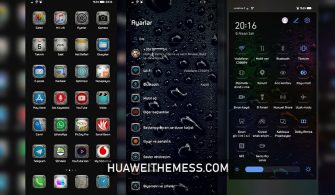
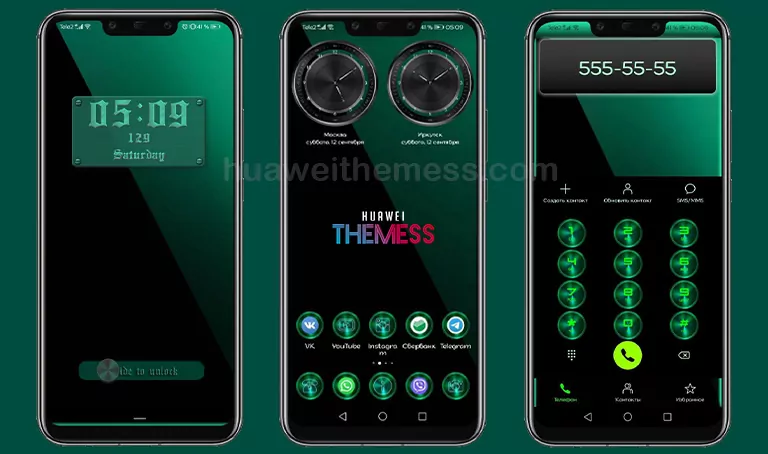
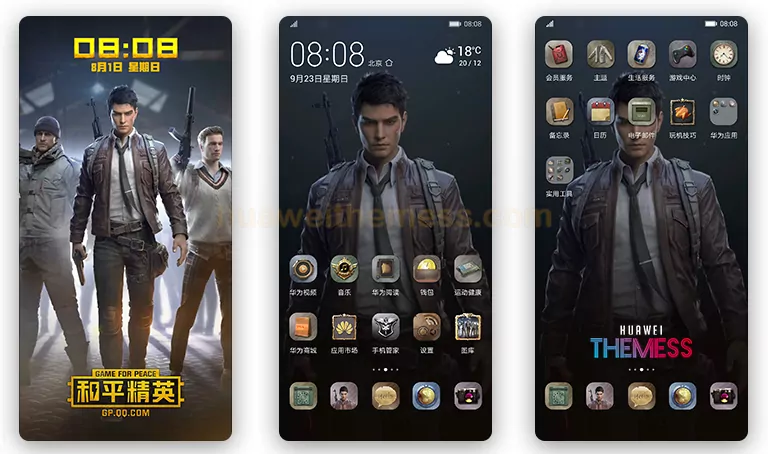
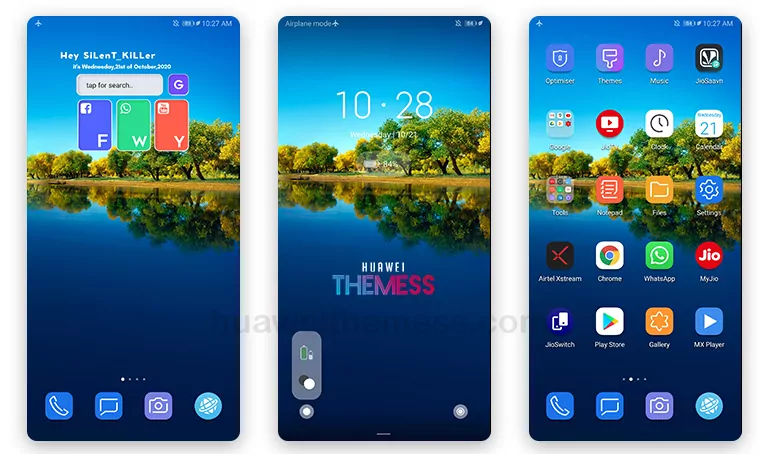
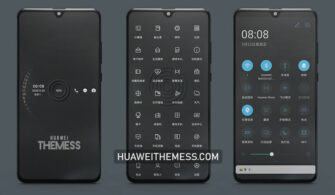
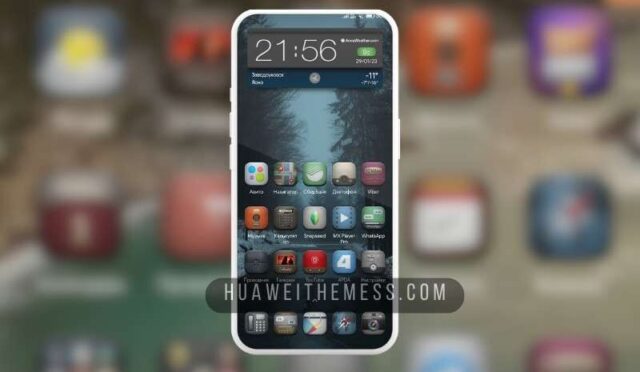
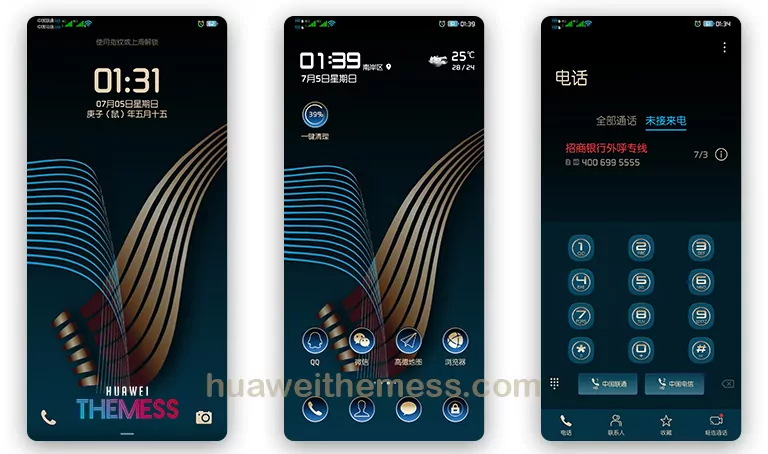
Saozhu, a captivating EMUI theme, is now available for users of EMUI 11, HarmonyOS, and MagicUI 4 devices. With its unique blend of style and functionality, this theme offers a fresh way to personalize your phone. The sleek design, combined with its attention to detail, makes Saozhu an excellent choice for users seeking to elevate their device’s look and feel.
Saozhu EMUI Theme: A Symphony of Style and Functionality
Saozhu’s standout feature is its seamless integration with EMUI, providing a premium user experience. The cool abstract wallpapers and stylish icons add a touch of sophistication to your device’s home screen. Furthermore, the theme’s stable design ensures a hassle-free experience, making it an excellent choice for users who value a smooth interface.
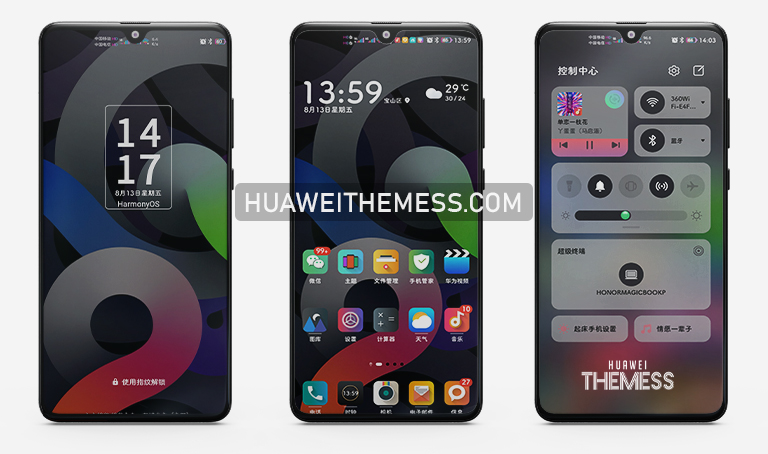
Compatibility: EMUI 11.1/11/10.1/10.0, HarmonyOS, and MagicUI 4/3 Supported
Saozhu’s compatibility with a broad range of EMUI and HarmonyOS versions ensures that users can enjoy its features without worrying about compatibility issues. Whether you’re running EMUI 11.1, 11, 10.1, or 10.0, or HarmonyOS, this theme is designed to provide a seamless experience.



Frequently Asked Questions (FAQ)
What devices is Saozhu compatible with?
Saozhu is compatible with EMUI 11.1/11/10.1/10.0, HarmonyOS, and MagicUI 4/3 devices, ensuring a seamless experience for a wide range of users.
What are the system requirements for Saozhu?
Saozhu requires EMUI 11.1/11/10.1/10.0 or HarmonyOS to run smoothly, making it an excellent choice for users with compatible devices.
How to install Saozhu theme?
First, download the .hwt file and move it to the Huawei/Themes folder, then apply it via the Themes app. Click here to learn in detail.
Saozhu EMUI theme is a game-changer for users seeking a more personalized experience. With its premium design and seamless functionality, this theme is sure to revamp your device’s look and style. Download Saozhu today and discover a world of limitless possibilities.