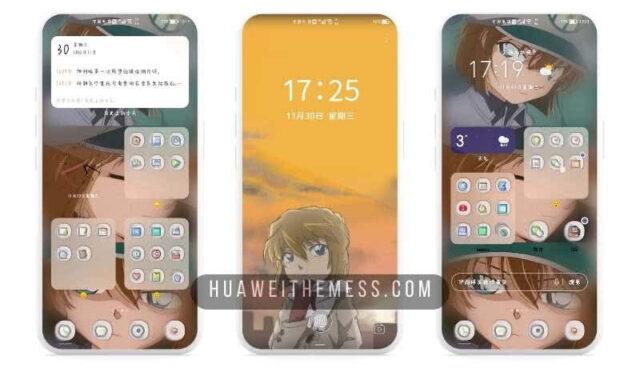
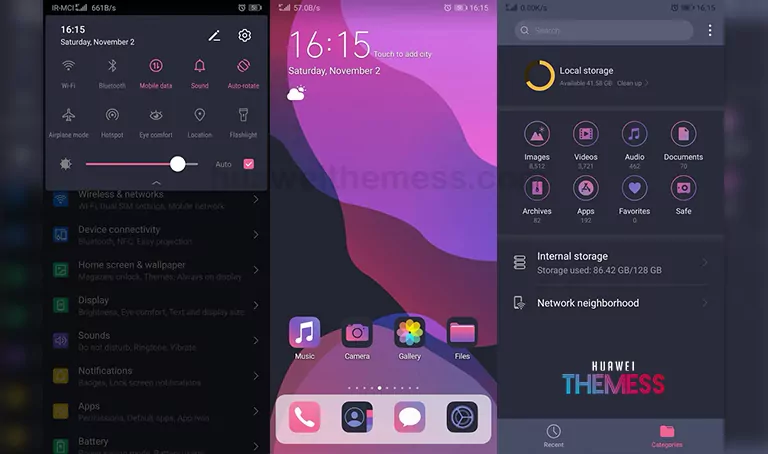
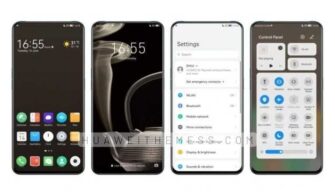
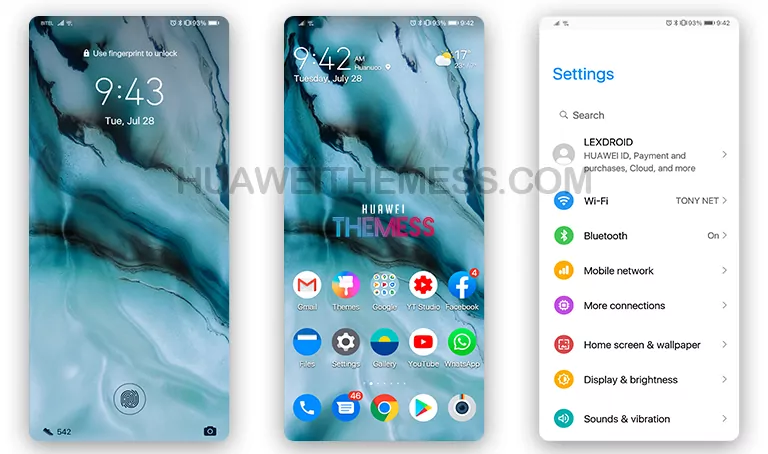
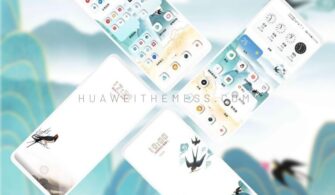
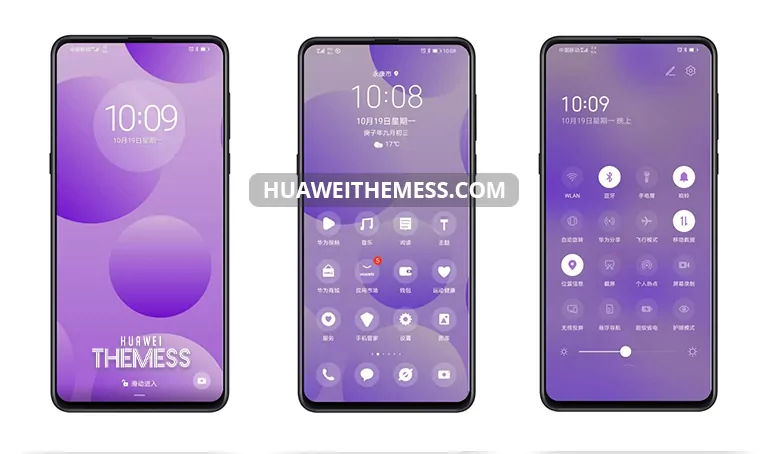
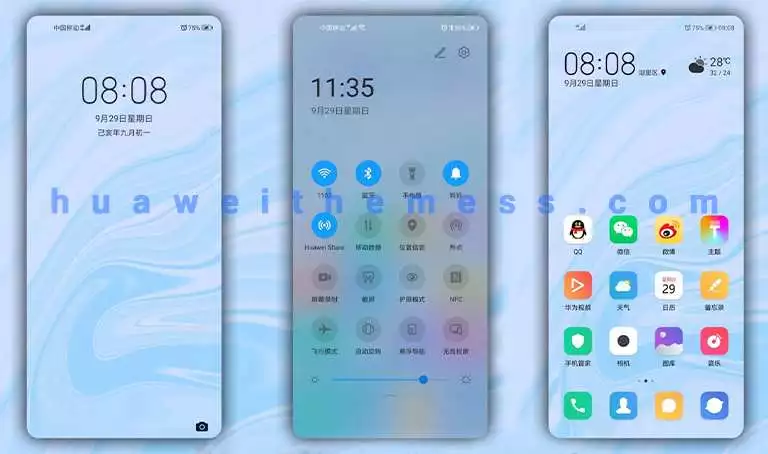
Get ready to elevate your Huawei device’s aesthetic with the Warm Side theme, designed to provide a premium Apple-like experience on your EMUI device. This sleek and stylish theme is tailored to meet the expectations of those who crave a unique and personalized look, offering a wide range of customization options to suit individual tastes.
Warm Side EMUI Theme: A Symphony of Style and Functionality
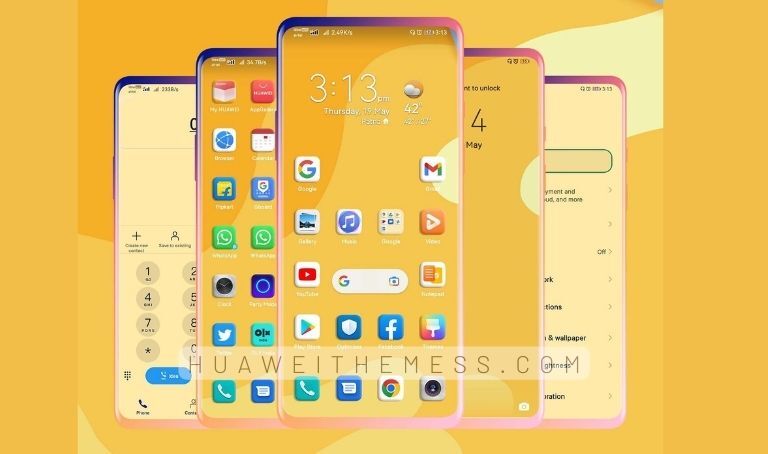
With the Warm Side EMUI theme, users can enjoy a wide range of features that enhance their device’s overall functionality and visual appeal. The theme boasts new wallpapers, changed app icons, a stylish app layout, a dynamic cool lockscreen, and a smooth interface, all of which combine to create a seamless user experience.
Compatibility and System Requirements
The Warm Side EMUI theme is compatible with EMUI 12, EMUI 11, EMUI 10.1, EMUI 10, EMUI 9.1, EMUI 9.0, MagicUI 5, MagicUI 4, MagicUI 3, and MagicUI 2. This makes it an ideal choice for users who want to personalize their device without worrying about compatibility issues.
Frequently Asked Questions
What are the system requirements for the Warm Side EMUI theme?
The Warm Side EMUI theme is compatible with EMUI 12, EMUI 11, EMUI 10.1, EMUI 10, EMUI 9.1, EMUI 9.0, MagicUI 5, MagicUI 4, MagicUI 3, and MagicUI 2.



How do I apply the Warm Side EMUI theme?
To apply the theme, simply download the .hwt file and move it to the Huawei/Themes folder, then apply it via the Themes app. Click here to learn in detail.
What features can I expect from the Warm Side EMUI theme?
The Warm Side EMUI theme offers a range of features, including new wallpapers, changed app icons, a stylish app layout, a dynamic cool lockscreen, and a smooth interface, all of which combine to create a seamless user experience.
How to install this theme?
First, download the .hwt file and move it to the Huawei/Themes folder, then apply it via the Themes app. Click here to learn in detail.
The Warm Side EMUI theme is an excellent choice for users who want to personalize their device with a premium, Apple-like experience. With its sleek and stylish design, wide range of customization options, and seamless user experience, this theme is sure to impress even the most discerning users.