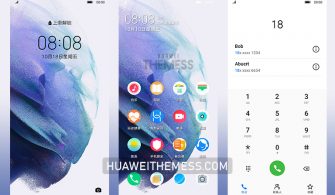
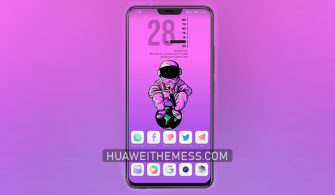
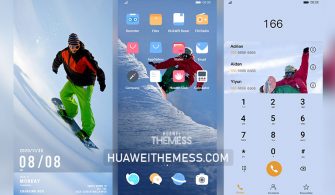
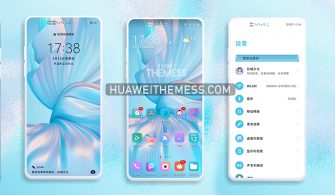
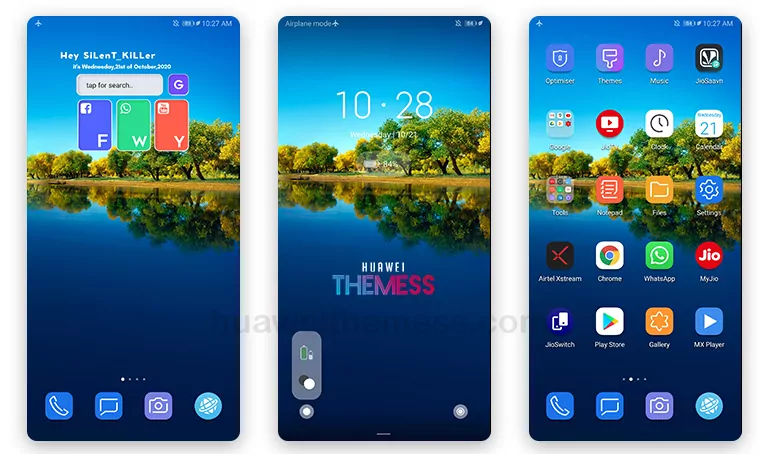
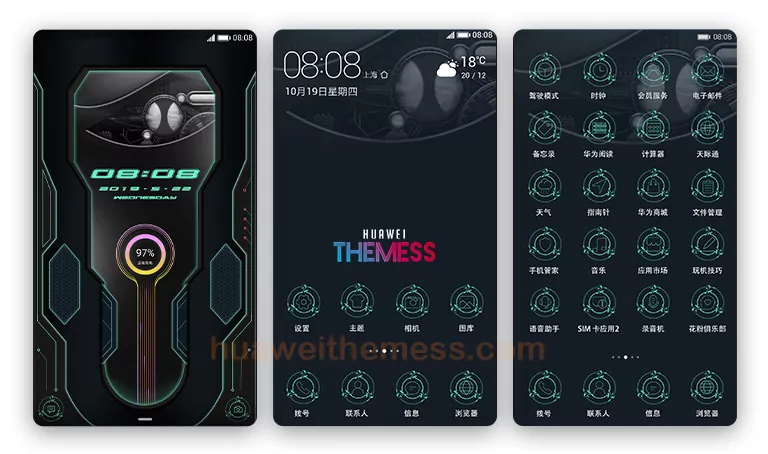
This “Night Weiyang” theme is the epitome of sleek design, offering a refreshing alternative to the usual Huawei aesthetic. With its minimalist approach and attention to detail, this theme is sure to elevate your device’s look and feel.
Night Weiyang EMUI Theme Features: A Symphony of Clean and Simple Design
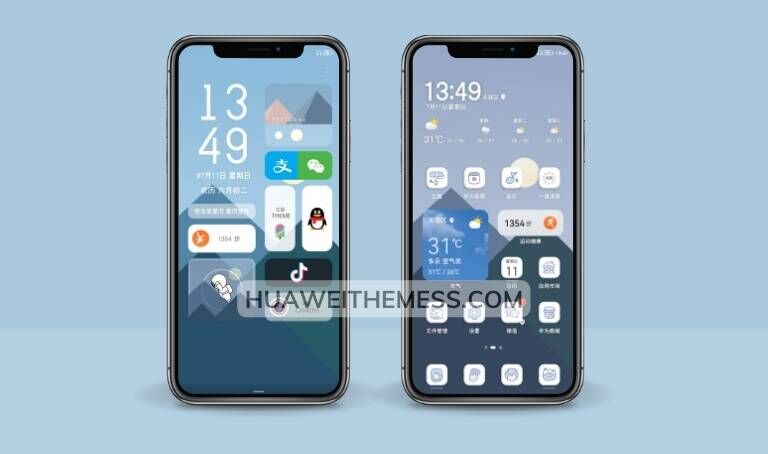
This theme boasts an array of impressive features, including new wallpapers, changed app icons, and a stylish app layout that’s sure to impress. The dynamic lockscreen is a particular highlight, offering a seamless and engaging experience.
- New Wallpapers Added
- Changed App Icons
- Stylish App Looking
- Dynamic Cool Lockscreen
- Smooth Interface
- Bugs Fixed
- and more features…
Night Weiyang EMUI Theme Compatibility: Supported Devices and Operating Systems
The Night Weiyang theme is compatible with a wide range of Huawei devices running HarmonyOS 2/1, EMUI 12/11/10/9, and MagicUI 5/4/3/2. This ensures that you can enjoy the benefits of this theme on your device, regardless of its operating system or model.
Frequently Asked Questions (FAQ)
Is the Night Weiyang theme free to use?
Yes, the Night Weiyang theme is completely free to use, making it an excellent option for those looking to customize their device without breaking the bank.



Can I use the Night Weiyang theme on my Huawei device?
Yes, the Night Weiyang theme is specifically designed for Huawei devices running HarmonyOS and EMUI, making it an ideal choice for users of these operating systems.
How to install this theme?
First, download the .hwt file and move it to the Huawei/Themes folder, then apply it via the Themes app. Click here to learn in detail.
The Night Weiyang theme is a masterclass in clean and simple design, offering a refreshing alternative to the usual Huawei aesthetic. With its attention to detail and impressive features, this theme is sure to elevate your device’s look and feel. Whether you’re a fan of minimalism or just looking for a change of pace, the Night Weiyang theme is an excellent choice for anyone looking to customize their device.