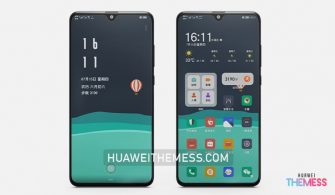
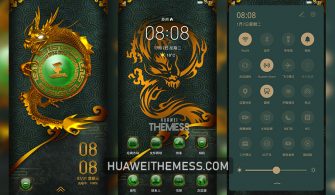
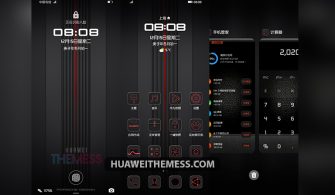
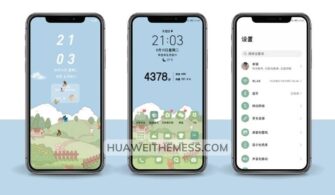
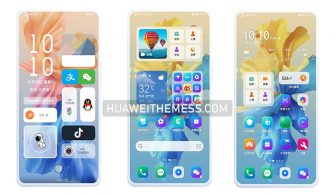
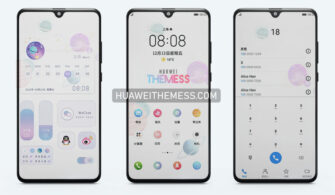
Rethink your phone’s aesthetic with the Nothing After theme, an understated yet captivating design that elevates your HarmonyOS/EMUI experience. By embracing a clean and minimalist look, you’ll discover a new appreciation for the simplicity and elegance of your device.
Unveiling the Aesthetic: Nothing After EMUI Theme Features
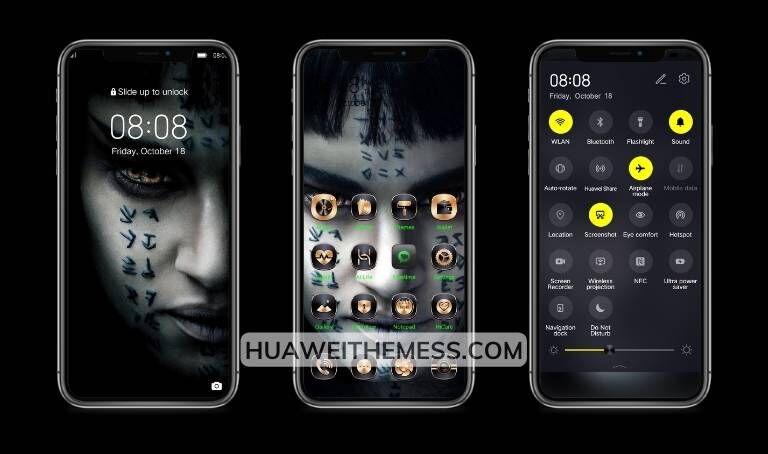
This thoughtfully crafted theme boasts a sleek UI, refined app icons, and an elegant lockscreen. The Nothing After EMUI theme seamlessly integrates with your device’s native features, ensuring a cohesive and premium experience.
Compatibility: Supporting Multiple Platforms
The Nothing After theme is meticulously designed to work in harmony with HarmonyOS 2/1, EMUI 12/11/10/9, and MagicUI 5/4/3/2, ensuring a seamless experience across various Huawei and Honor devices.



Frequently Asked Questions (FAQ)
What makes the Nothing After theme stand out from other EMUI themes?
The theme’s unique blend of minimalism and elegance sets it apart, offering a refreshing take on the traditional EMUI aesthetic.
Is the Nothing After theme free to use?
Yes, the theme is completely free to use, allowing you to personalize your device without any additional costs.
How do I install this theme?
First, download the .hwt file and move it to the Huawei/Themes folder, then apply it via the Themes app. Click here to learn in detail.
The Nothing After theme is a masterclass in restraint and sophistication, perfectly balancing form and function to create a truly exceptional EMUI experience. By embracing this minimalist design, you’ll discover a new level of appreciation for your device’s capabilities.