
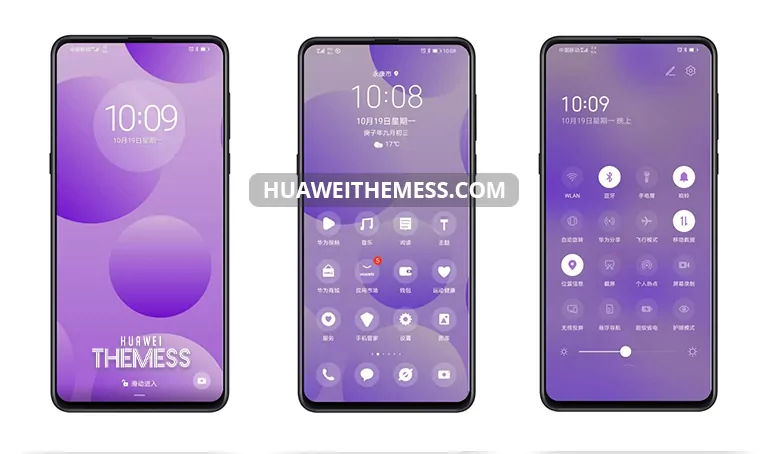
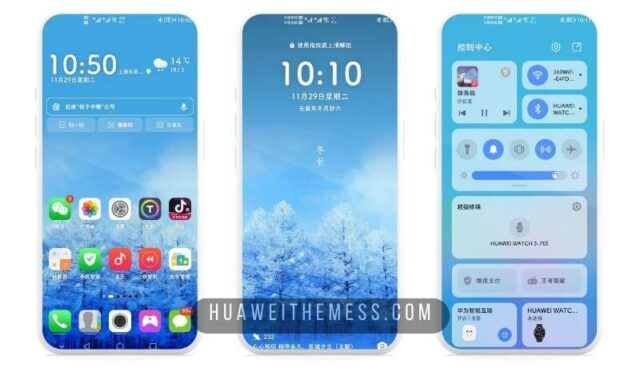
Get ready to elevate your device’s aesthetic with the HarmonyOS theme, designed to bring a touch of premium sophistication to your Huawei and Honor devices. This stunning theme is perfect for those who crave a clean UI setup that exudes elegance and refinement.
HarmonyOS: A Seamless Blend of EMUI and MagicUI Elegance
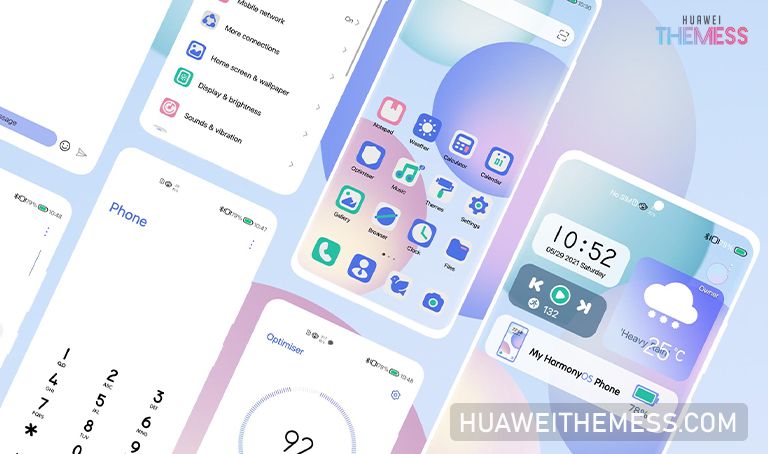
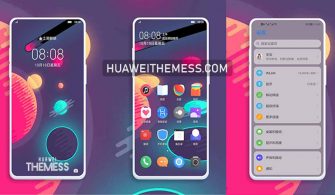
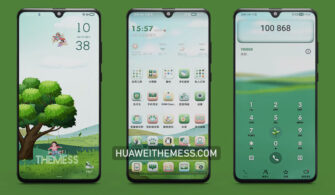
The HarmonyOS theme is an exquisite fusion of EMUI and MagicUI’s finest elements, crafted to provide a seamless and immersive user experience. With its sleek design and vibrant color palette, this theme is sure to captivate your senses and leave a lasting impression.
Compatibility: Ensuring a Smooth Transition
The HarmonyOS theme is meticulously designed to be compatible with EMUI 11.1/11/10.1/10 and MagicUI 4/3, ensuring a seamless transition to this stunning new look. Whether you’re running the latest EMUI or MagicUI version, this theme will beautifully integrate with your device’s operating system.



Frequently Asked Questions (FAQ)
What devices are compatible with the HarmonyOS theme?
The HarmonyOS theme is compatible with EMUI 11.1/11/10.1/10 and MagicUI 4/3 devices.
How do I download and install the HarmonyOS theme?
First, download the .hwt file from the link provided. Then, move the file to the Huawei/Themes folder and apply it via the Themes app. For more detailed instructions, visit our website’s guide on how to install a theme on your Huawei device.
What if I encounter any issues while installing the theme?
If you encounter any issues during installation, please restart your device and try again. If the problem persists, feel free to reach out to our support team for assistance.
How to install this theme?
First, download the .hwt file and move it to the Huawei/Themes folder, then apply it via the Themes app. For a detailed walkthrough, click here.
The HarmonyOS theme is a masterpiece of design, carefully crafted to bring a sense of sophistication and refinement to your device’s UI. With its seamless integration with EMUI and MagicUI, this theme is sure to please even the most discerning users. So why wait? Download the HarmonyOS theme today and elevate your device’s aesthetic to new heights!



I like Harmony Os