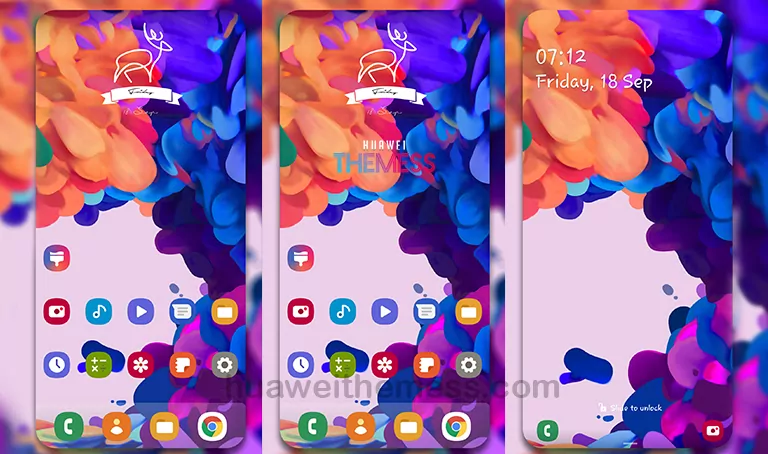
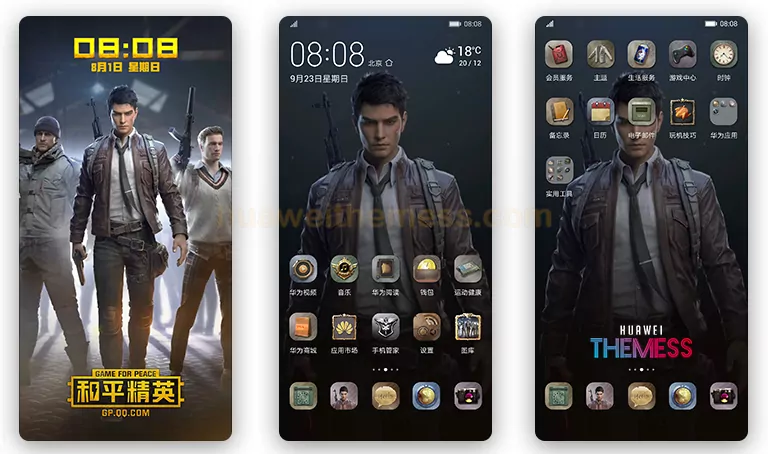
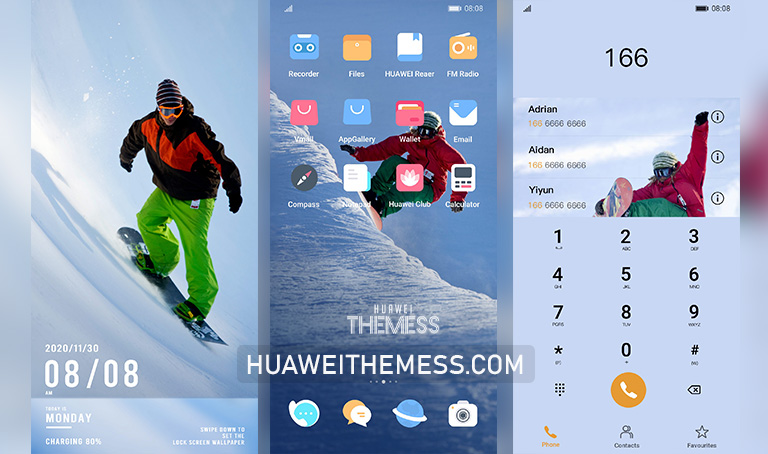
Get ready to dive into the magic of winter with this enchanting EMUI 10 theme, perfect for those who crave a touch of frosty elegance on their Huawei device. With its captivating design and array of winter-themed elements, this theme is sure to transport you to a winter wonderland, no matter the time of year.
Winter Activities EMUI Theme Features
This stunning EMUI 10 theme boasts a range of features that will make your device truly stand out. From its sleek and modern design to its vibrant winter-themed elements, this theme is the perfect way to add some festive flair to your Huawei device.
Compatibility
This theme is compatible with EMUI 10.1/10 and MagicUI 3, ensuring that you can enjoy its winter wonderland charm on your Huawei device. Whether you’re running the latest software or an earlier version, this theme is sure to bring a touch of magic to your phone.
Frequently Asked Questions (FAQ)
What devices is this theme compatible with?
This theme is compatible with Huawei devices running EMUI 10.1/10 and MagicUI 3.



How do I download and install the theme?
To download and install the theme, click on the download button below. Once the theme file is downloaded, move it to the Huawei/Themes folder and apply it via the Themes app.
Can I customize the theme?
While this theme offers a range of pre-designed elements, some features can be customized to suit your personal preferences. Check out the guide below for more information.
How to install this theme?
First, download the .hwt file and move it to the Huawei/Themes folder, then apply it via the Themes app. Click here to learn in detail.
This enchanting EMUI 10 theme is the perfect way to add some festivity to your Huawei device. With its captivating design and array of winter-themed elements, this theme is sure to transport you to a winter wonderland, no matter the time of year. So why not give it a try and see the magic for yourself?