
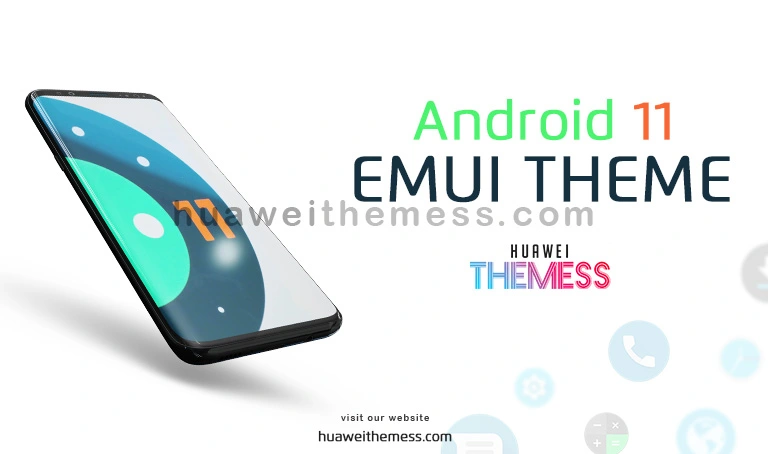
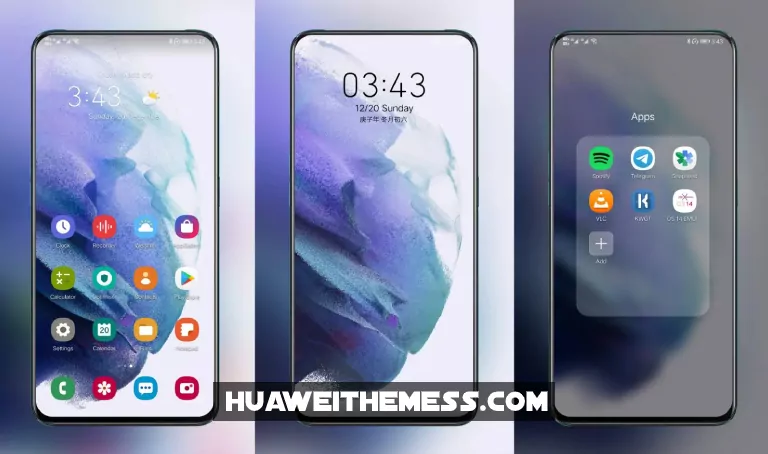
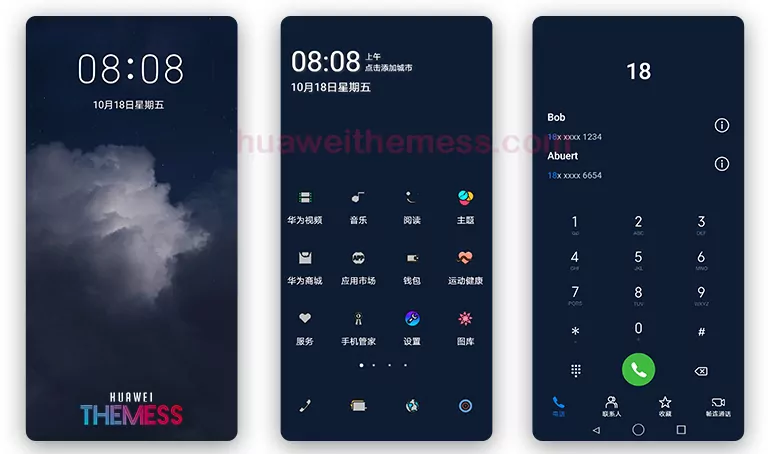
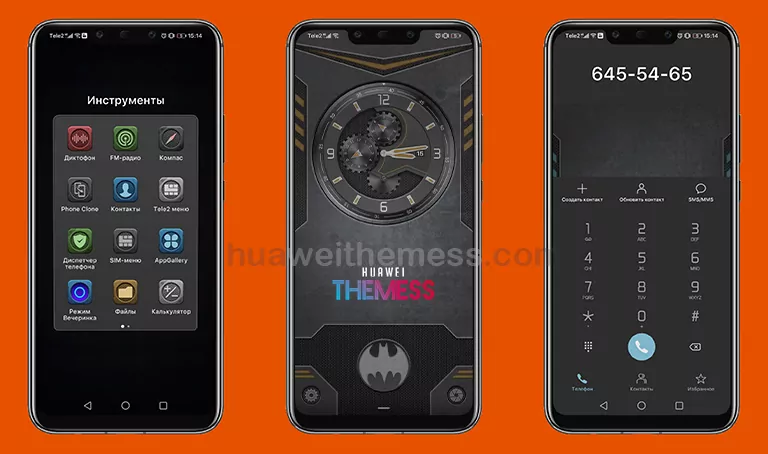
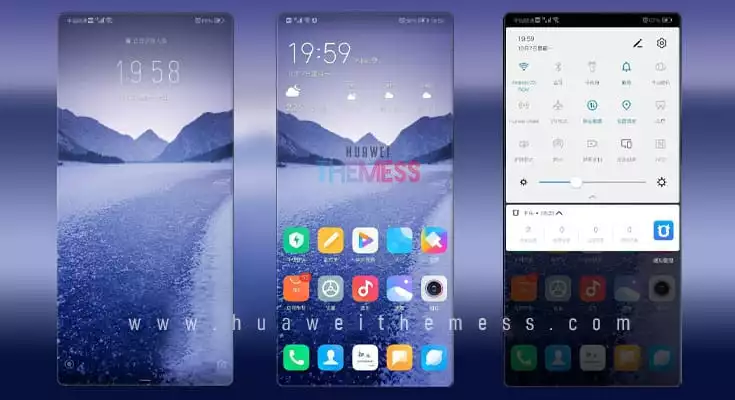
Get ready to give your Huawei or Honor device a sleek new look with our latest Android 11 theme. This theme is designed to bring the premium Apple experience to EMUI, with a focus on minimalism and elegance. From the moment you apply it, you’ll be immersed in a world of sophistication and style.
Android 11 EMUI Theme: A Harmonious Blend of Features
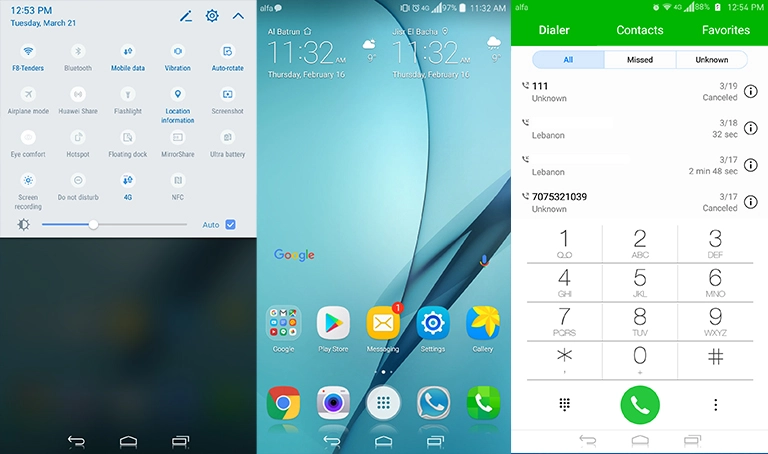
This theme boasts a range of impressive features that will elevate your device’s user interface. Enjoy:
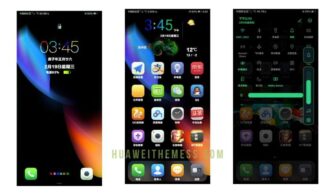
- Stock Android wallpapers that perfectly complement your device’s screen
- Pixel-perfect Android 11 icons that bring a touch of modernity to your home screen
- A revamped lock screen that offers a seamless user experience
- New fonts and widgets that add a touch of personality to your device
- A stock Android app look that’s both functional and visually appealing
- Bugs fixed for a smooth and hassle-free experience
- And many more surprises
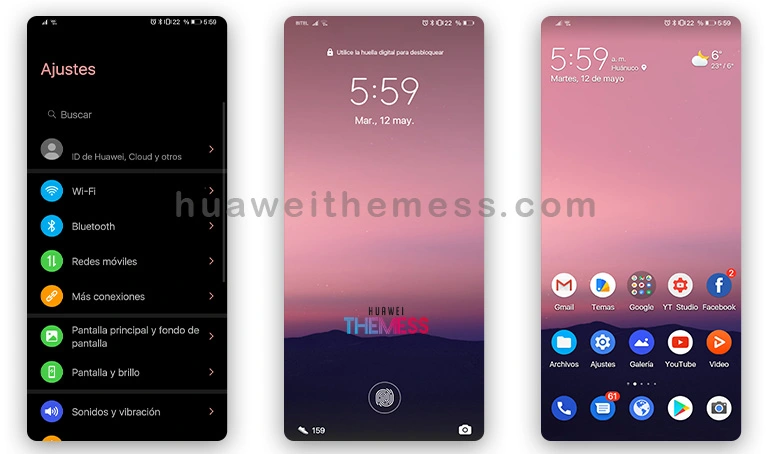
This theme is a must-have for anyone looking to give their device a fresh new look. With its sleek design and intuitive features, you’ll be loving your device all over again.
Compatibility: Running Smoothly on EMUI 10/9.1/9.0/Magic UI 3/2
This theme is specifically designed to work seamlessly with EMUI 10/9.1/9.0 and Magic UI 3/2. Whether you’re running the latest or an older version, you can be sure that this theme will look and feel great on your device. Simply download and install to experience the best of Android 11 on your Huawei or Honor device.

Frequently Asked Questions
What devices are compatible with this theme?
This theme is compatible with Huawei and Honor devices running EMUI 10/9.1/9.0 and Magic UI 3/2.
How do I apply the theme?
To apply the theme, simply download the .hwt file and move it to the Huawei/Themes folder, then apply it via the Themes app.
How do I download the theme?
To download the theme, click on the download button below or follow the link to our website.
How to install this theme?
First, download the .hwt file and move it to the Huawei/Themes folder, then apply it via the Themes app. Click here to learn in detail.
In short, this Android 11 theme is a game-changer for EMUI users. With its sleek design, intuitive features, and seamless compatibility, you’ll be loving your device all over again. So why wait? Give your device the premium Apple experience it deserves and download this theme today!



Thanks. Very good theme
Tnx for the themes.
Very good theme but for some reason the music app goes into light mode even with dark mode enabled, honor 8x emui 10
Awesome boss
It can’t be downloaded