A Closer Look at the Sleek Icons and Minimalist Design of Impact Theme
Get ready to transform your EMUI 8 device with the Impact Theme, a sleek and modern aesthetic that brings a touch of sophistication to your Huawei smartphone. This theme is a game-changer for anyone looking to elevate their device’s look and feel, and we’re excited to dive into its features and share why it’s a must-try.
Impact Theme Features
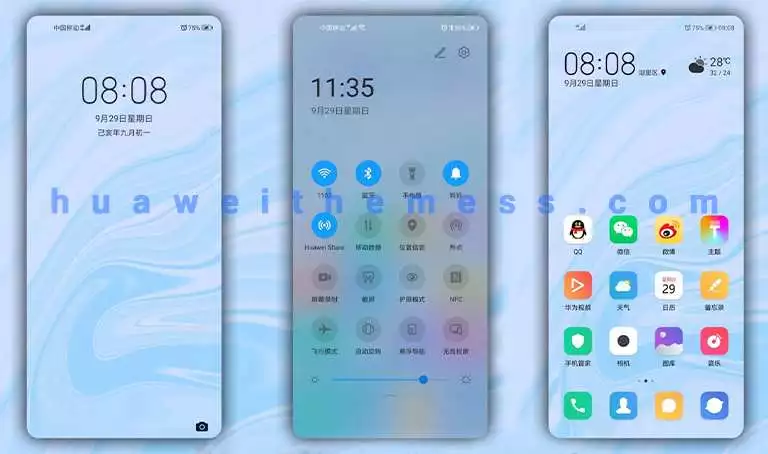
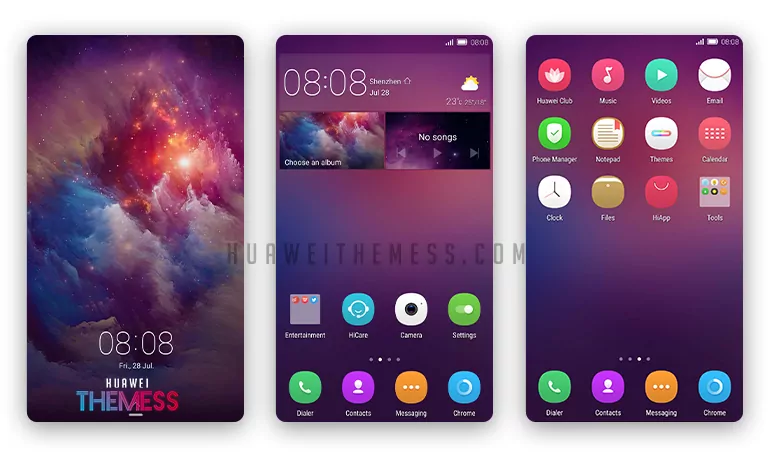
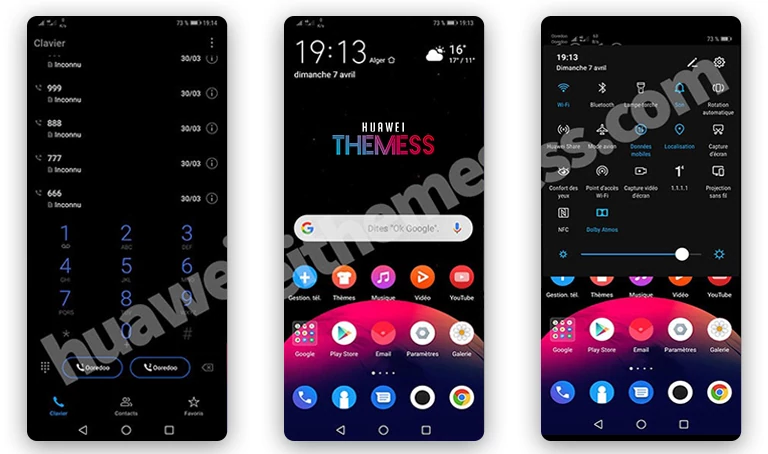
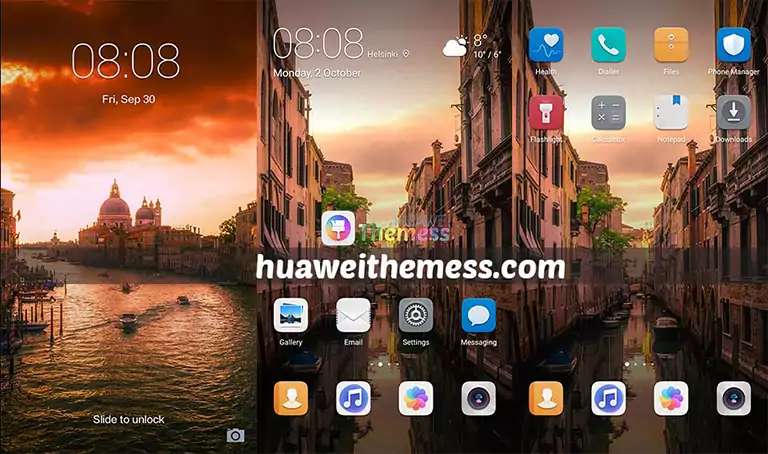
- Darkened System UI for a sleek and modern look
- New, reimagined icons that bring a fresh touch to your device
- Revamped widgets that provide a clean and minimalistic design
- A new lockscreen that adds a touch of elegance to your device’s startup
- And many more surprises to discover!
Compatibility and Installation
Don’t worry about compatibility – the Impact Theme is designed specifically for EMUI 8 devices, ensuring a seamless and smooth experience. To install the theme, simply follow these easy steps:
Frequently Asked Questions
What devices is the Impact Theme compatible with?
The Impact Theme is specifically designed for EMUI 8 devices, ensuring a seamless and smooth experience.
How do I install the Impact Theme?
First, download the .hwt file and move it to the Huawei/Themes folder, then apply it via the Themes app. Click here to learn in detail.
Can I customize the Impact Theme to fit my preferences?
Yes, the Impact Theme allows for some level of customization to fit your personal preferences, including adjusting the color scheme and layout. However, some features may be locked or require additional software to modify.



The Impact Theme for EMUI 8 is a stunning addition to any Huawei device, bringing a sleek and modern aesthetic that’s sure to impress. With its simple yet effective design, this theme is perfect for anyone looking to give their device a fresh new look without compromising on functionality. Whether you’re a seasoned Huawei user or just looking to try something new, the Impact Theme is definitely worth checking out.