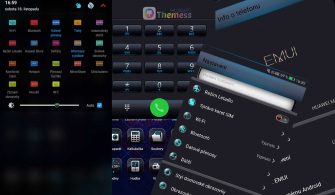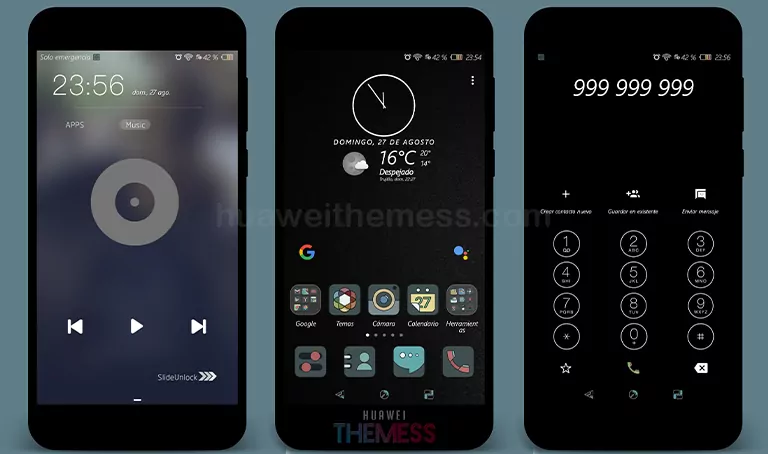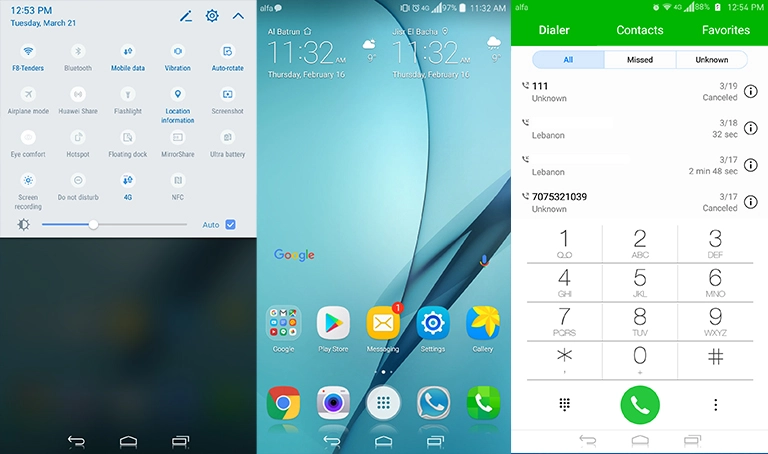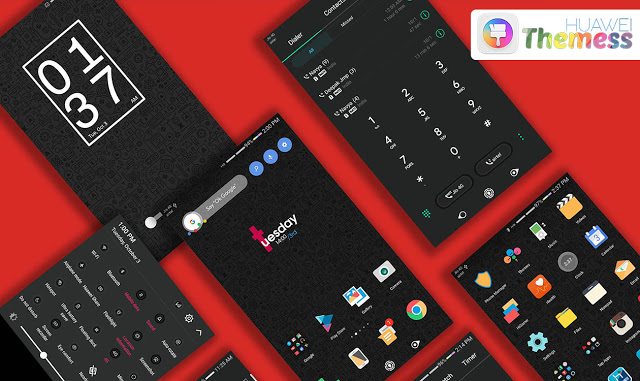
Take your Huawei device to the next level with the BlackOut theme, a bold and eye-catching alternative to the standard EMUI 5.0/5.1 interface. This dark and sleek theme is perfect for those who want to add a bit of contrast and style to their device, while still enjoying the same seamless user experience.
Dark Mode Perfection: Features and Customization
The BlackOut theme is designed to give your EMUI 5.0/5.1 device a fresh new look with its dark-colored icons and sleek design. The theme is highly customizable, allowing you to personalize your device to your heart’s content. Whether you want to add a bit of contrast to your device or give it a complete makeover, this theme is the perfect solution.
Seamless Compatibility and Performance
The BlackOut theme is fully compatible with EMUI 5.0 and EMUI 5.1, ensuring a seamless and smooth user experience. Our theme is specifically designed to work with the latest software updates, guaranteeing that you’ll get the most out of your device.
Frequently Asked Questions
Are the icons customizable?

How to apply the lockscreen?
You can apply it via the Themes app settings.
How to install this theme?
First, download the .hwt file and move it to the Huawei/Themes folder, then apply it via the Themes app. Click here to learn in detail.
Get the BlackOut theme for your EMUI 5.0/5.1 device today and experience the ultimate in customization and style. With its sleek dark design and high level of customization, this theme is perfect for anyone looking to transform their device and take their Huawei experience to the next level. Whether you’re looking for a fresh new look or just want to add a bit of contrast to your device, the BlackOut theme is the perfect solution.