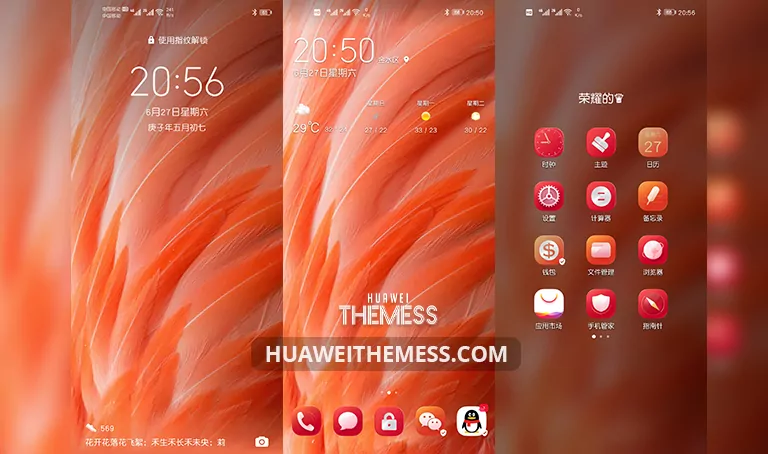
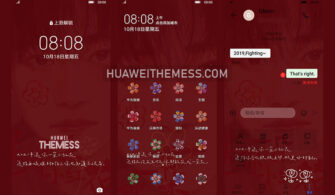
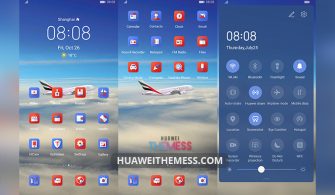
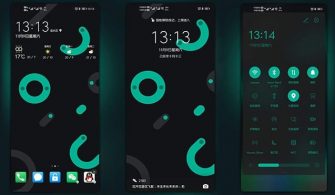
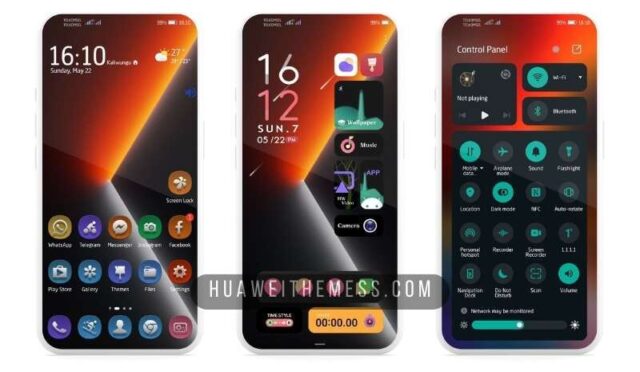
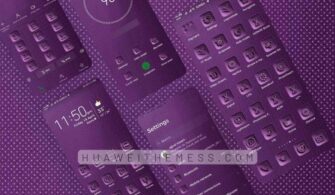
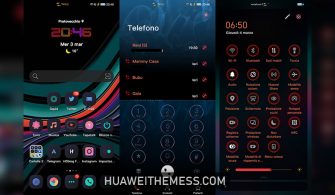
Get ready to immerse yourself in a serene and captivating world with the Quiet Night Theme for EMUI 11/10 and MagicUI 4/3. This stunning theme is designed to transport you to a tranquil atmosphere, perfect for unwinding after a long day. With its sleek and modern design, you’ll be able to personalize your phone according to your unique taste.
Quiet Night Theme for EMUI 11/10 and MagicUI 4/3: A Symphony of Nighttime Elegance
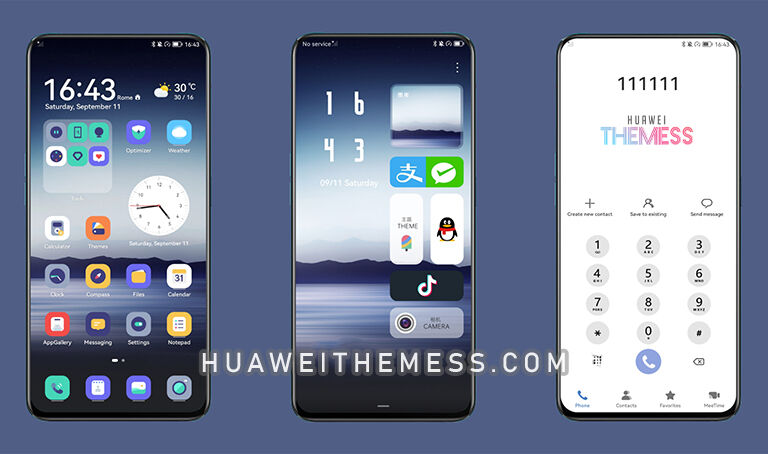
This enchanting theme boasts a captivating array of features, including:
- Night Wallpapers that transport you to a world of serenity
- Stylish App Looking that elevates your device’s aesthetic
- Dynamic Cool Lockscreen that adds an extra layer of sophistication
- Bugs Fixed to ensure a seamless user experience
- and more…
Compatibility: A Range of EMUI and MagicUI Versions Supported
The Quiet Night Theme is compatible with EMUI 12, 11.1, 11, 10.1, and 10, as well as MagicUI 3, 4, and 5. This ensures that you can enjoy the serene ambiance of this theme on a wide range of Huawei and Honor devices.



Frequently Asked Questions
What is the Quiet Night Theme and what does it offer?
[The Quiet Night Theme is a stunning EMUI and MagicUI theme that offers a range of features, including night wallpapers, stylish app looking, dynamic lockscreen, and more. It’s designed to create a serene and captivating atmosphere on your device.][
Is the Quiet Night Theme compatible with my device?
[The Quiet Night Theme supports EMUI 12, 11.1, 11, 10.1, and 10, as well as MagicUI 3, 4, and 5. If you’re unsure about compatibility, you can check the theme’s description or contact our support team for assistance.][
How do I install the Quiet Night Theme on my Huawei device?
[To install the Quiet Night Theme, you’ll need to download the .hwt file and move it to the Huawei/Themes folder. Then, apply it via the Themes app. If you need more guidance, you can check our installation guide for detailed instructions.][
How to install this theme?
[First, download the .hwt file and move it to the Huawei/Themes folder, then apply it via the Themes app. Click here to learn in detail.[
The Quiet Night Theme is a mesmerizing addition to any EMUI or MagicUI device, offering a serene and captivating atmosphere that’s sure to transport you to a world of tranquility. With its sleek design and range of features, this theme is a must-have for anyone looking to elevate their device’s aesthetic and enhance their user experience.