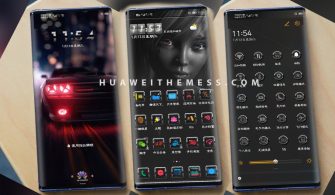
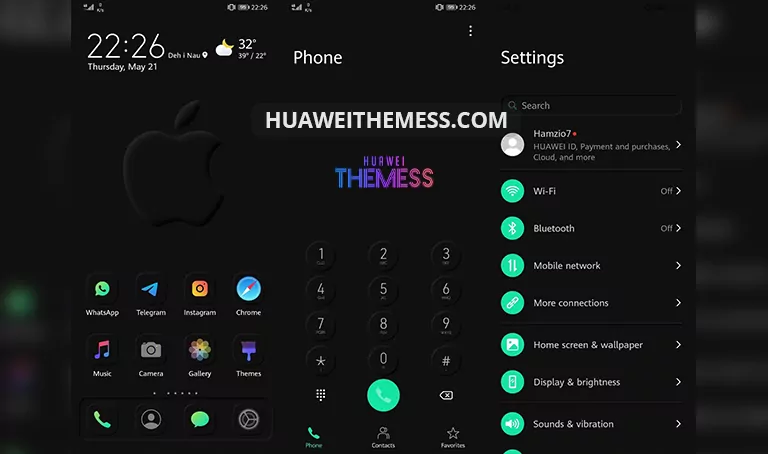
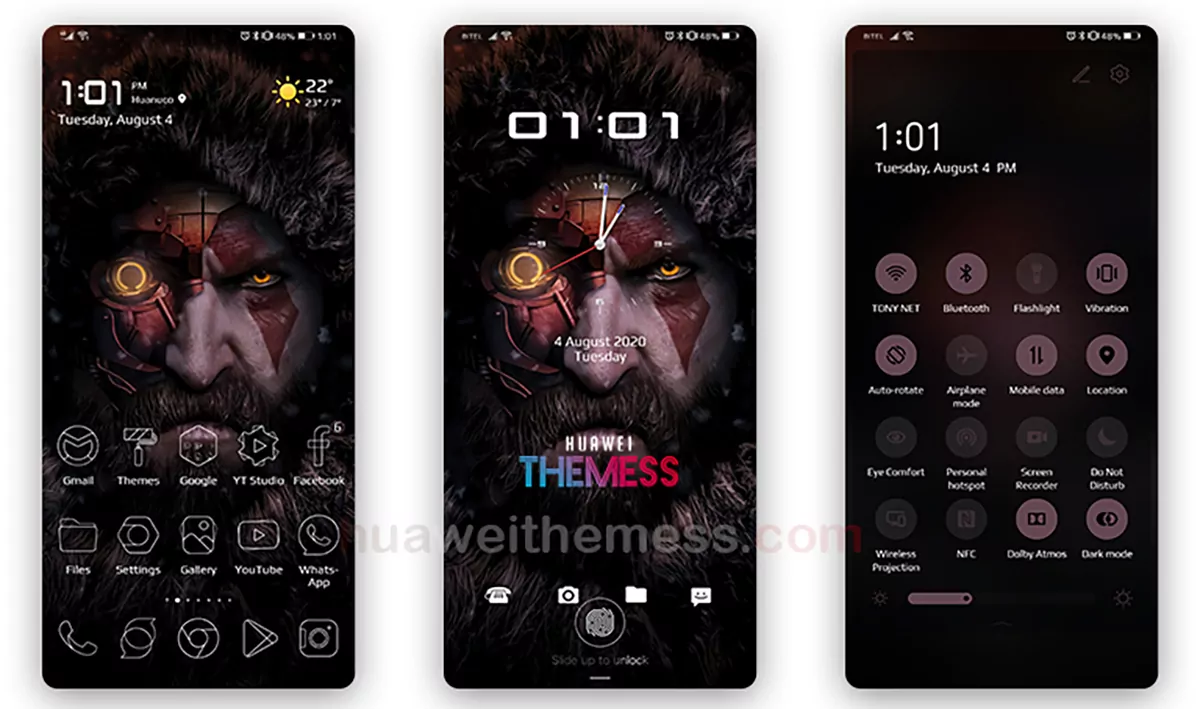
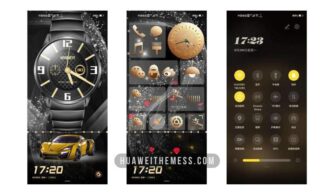
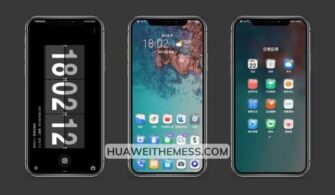
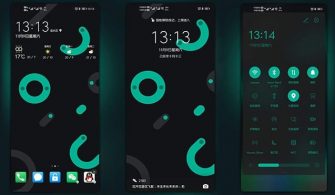
Get ready to transform your Huawei device with the elegant EMUI 11 Theme, designed specifically for EMUI 10/9 and MagicUI 3/2 users. This stunning theme offers an immersive experience, allowing you to personalize your phone according to your unique style. With its sleek and modern design, you’ll feel like you’re using a premium Apple device.
Unlock the Full Potential of Your EMUI Device with EMUI 11 Theme’s Stunning Features
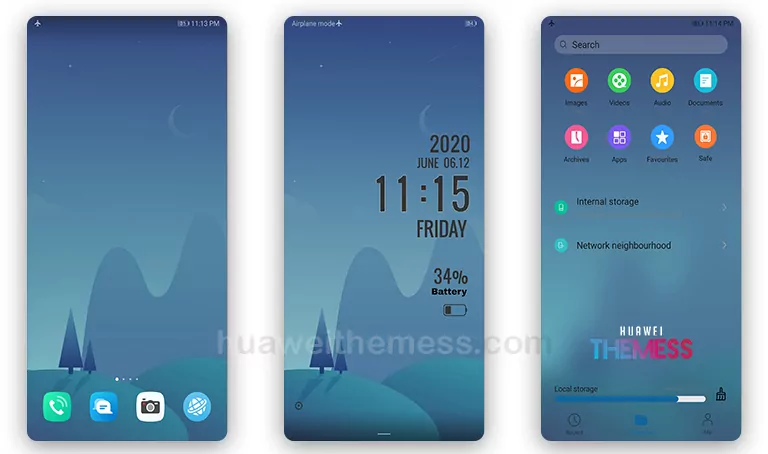
This theme boasts a range of impressive features, including a flat lockscreen, white and black app looking, changed font (on some phones), new widgets looking, and bugs fixed. Whether you’re a fan of clean designs or modern aesthetics, EMUI 11 Theme has something to offer.
- Flat Lockscreen
- White and Black App Looking
- Changed font (some phones)
- New Widgets looking
- Bugs Fixed
- and more..
EMUI 11 Theme: Compatible with EMUI 10/9 and MagicUI 3/2 Devices
This theme is designed to work seamlessly with EMUI 10.1/10/9.1/9.0 and MagicUI 3/2 devices. Whether you’re running the latest EMUI version or an older one, EMUI 11 Theme has got you covered.
EMUI 11 Theme: Frequently Asked Questions
What are the system requirements for EMUI 11 Theme?
This theme is compatible with EMUI 10.1/10/9.1/9.0 and MagicUI 3/2 devices. Ensure your device meets the minimum requirements before installing the theme.



How do I apply the EMUI 11 Theme?
To apply the EMUI 11 Theme, download the .hwt file and move it to the Huawei/Themes folder. Then, apply it via the Themes app. For more detailed instructions, click here.
What if I encounter any issues after applying the theme?
If you encounter any issues after applying the theme, restart your device to resolve the problem. If the issue persists, feel free to contact our support team for assistance.
How to install this theme?
First, download the .hwt file and move it to the Huawei/Themes folder, then apply it via the Themes app. Click here to learn in detail.
Get ready to elevate your Huawei device with the stunning EMUI 11 Theme. With its sleek design, modern features, and seamless compatibility, this theme is sure to impress. Say goodbye to boring device aesthetics and hello to a premium Apple vibe on your Huawei device.