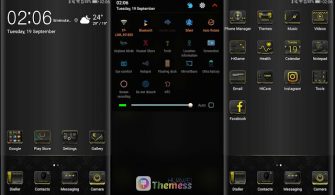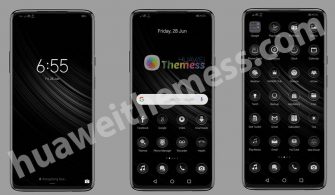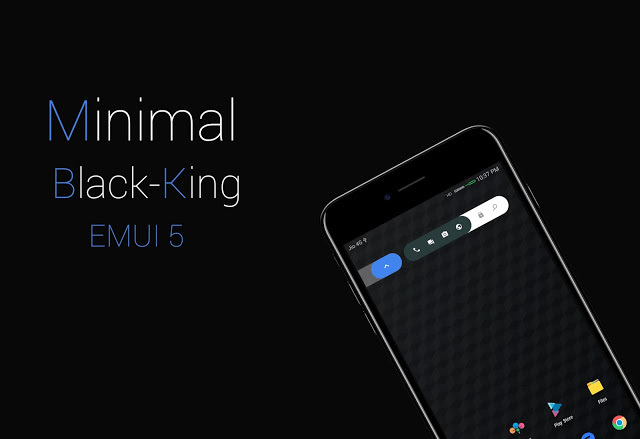
The Minimal Black King Theme is a game-changer for your Huawei device, offering a sleek and premium design that’s reminiscent of the elite Apple experience. With its stunning dark aesthetic and stylish material icons, this theme is sure to elevate your phone’s look and feel.
Key Features of Minimal Black King Theme
This theme boasts an impressive array of features, including:
- Material icons that add a touch of elegance to your phone, reminiscent of Apple’s sleek design
- A sleek black/dark color scheme that’s perfect for those who prefer a minimalist look
- Nice status bar icons that add a pop of color to your phone’s interface, giving it a premium feel
- A brand-new Navbar that’s designed to provide a seamless user experience, just like Apple’s iOS
Compatibility of Minimal Black King Theme
The Minimal Black King Theme is specifically designed for EMUI 5.0/5.1 Huawei devices, ensuring a smooth and hassle-free installation process.
Frequently Asked Questions
Are the icons customizable?
Yes, you can fully customize the icons.
How to apply the lockscreen?
You can apply it via the Themes app settings.



How to install this theme?
First, download the .hwt file and move it to the Huawei/Themes folder, then apply it via the Themes app. Click here to learn in detail.
If you want to experience this exclusive design, you can grab this EMUI/MagicOS theme for your Huawei device right now. (Mirror 1, Mirror 2, Mirror 3)
The Minimal Black King Theme is a true masterpiece that elevates the Huawei experience to a whole new level. With its sleek design, premium feel, and seamless user experience, this theme is sure to impress even the most discerning users. Whether you’re a fan of Apple’s elite design or just looking for a fresh new look, this theme is a must-try.