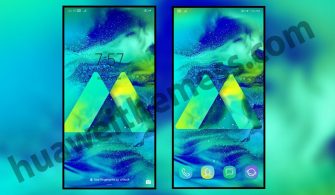
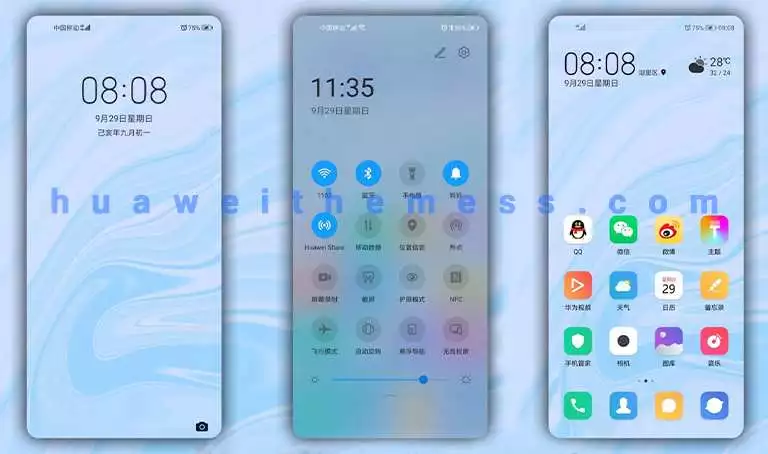
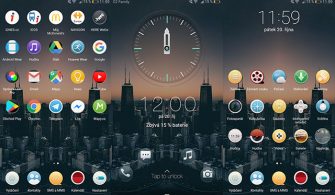
Get ready to transform your Huawei experience with the sleek and premium Knight V2 theme. With its unique blend of red and gray accents, material icons, and a cool lockscreen, this theme is set to take your device to the next level.
Aesthetic Red and Gray Accent UI Goals with the Knight V2 Theme
The Knight V2 theme boasts an array of exciting features, including changed widgets, material icons, and a cool lockscreen. The theme’s red and gray app lookings give your device a sophisticated and elite feel, perfect for those who crave a premium Huawei experience. 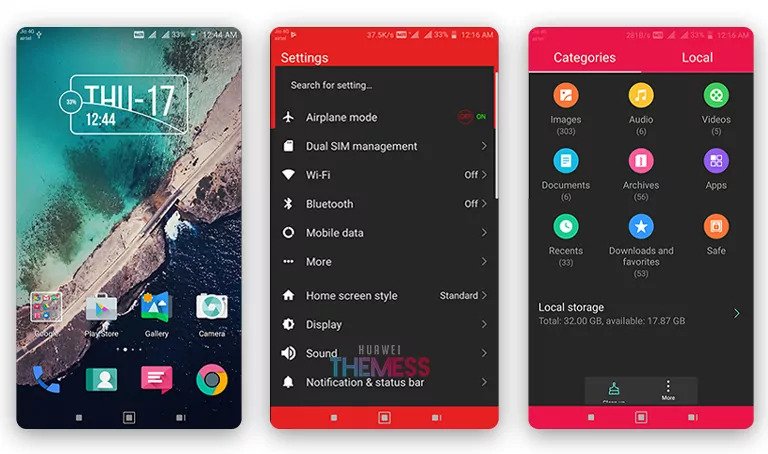
Compatibility with EMUI 5.0/5.1 Devices
This theme is specifically designed for EMUI 5.1/5.0 users, ensuring seamless compatibility and a smooth user experience. Whether you’re using a Huawei or Honor device, the Knight V2 theme is the perfect choice for those looking to personalize their device with a unique and stylish theme.
Frequently Asked Questions
What are the key features of the Knight V2 theme?
The Knight V2 theme features changed widgets, material icons, red and gray app lookings, and a cool lockscreen.
Is the Knight V2 theme compatible with my EMUI device?
The Knight V2 theme is specifically designed for EMUI 5.1/5.0 devices, ensuring seamless compatibility and a smooth user experience.
How to install this theme?
First, download the .hwt file and move it to the Huawei/Themes folder, then apply it via the Themes app. Click here to learn in detail.
The Knight V2 theme is a game-changer for EMUI users, offering a unique and stylish way to personalize their devices. With its sleek red and gray accents, material icons, and cool lockscreen, this theme is set to transform your Huawei experience. The theme’s compatibility with EMUI 5.0/5.1 devices ensures a seamless and smooth user experience, making it the perfect choice for those looking to elevate their mobile experience. Overall, the Knight V2 theme is a must-try for anyone looking to add a touch of sophistication and style to their device.