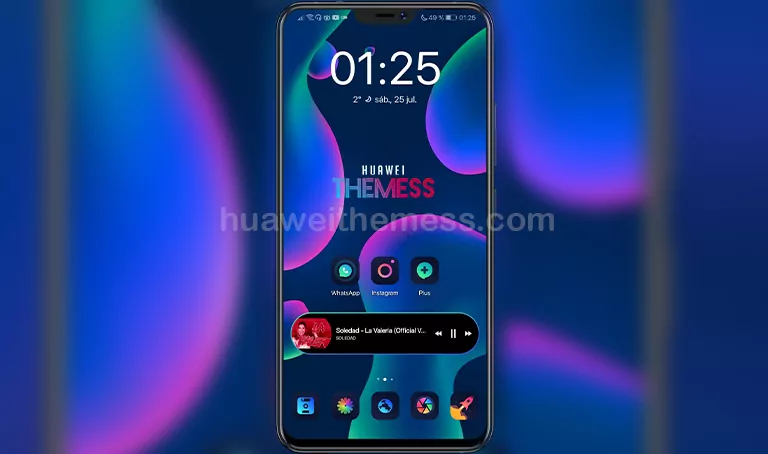
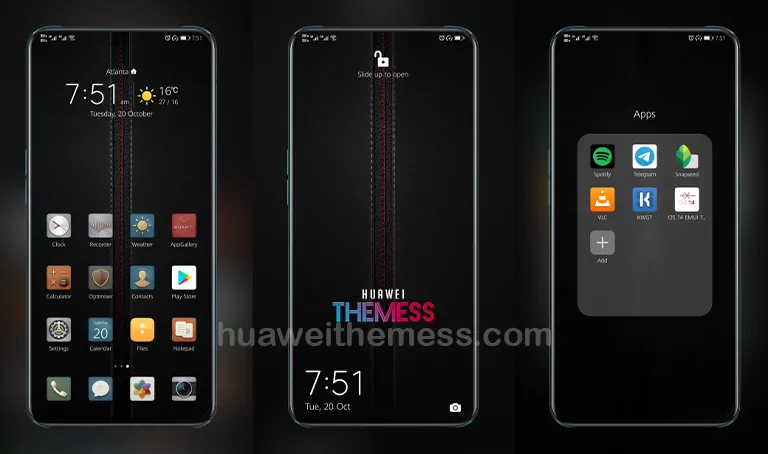
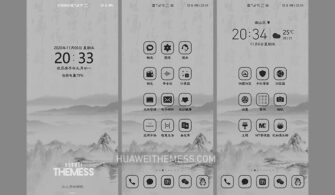
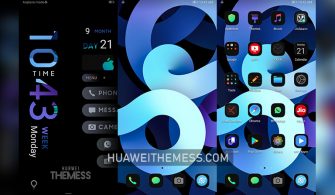
The Salmoon theme is a stunning addition to your Huawei device, offering a unique blend of style and functionality. By personalizing your phone’s look and feel, you can create a truly one-of-a-kind experience that sets you apart from the crowd.
Salmoon EMUI Theme Features: Elevating Your Device’s Aesthetic
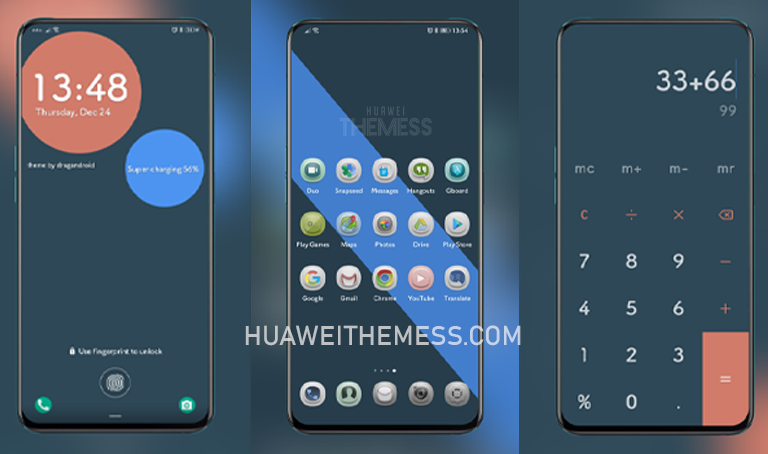
The Salmoon theme boasts an impressive array of features, including:
- Minimal yet striking wallpapers that add a touch of elegance to your device
- Customizable icons that perfectly complement the Salmoon aesthetic
- New and improved app looks that enhance the overall user experience
- Updated widgets that provide quick access to essential features
- The Noto Sans SC font, adding a touch of sophistication to your device’s interface
- Bugs fixed for a smoother, more seamless experience
- And many more exciting features to explore!
Compatibility: Running Smoothly on Your EMUI Device
The Salmoon theme is compatible with EMUI 10.1/10/9.1/9.0 and MagicUI 3/2 devices, ensuring a seamless integration with your existing software. Whether you’re running the latest EMUI version or a slightly older iteration, this theme is sure to impress.



Frequently Asked Questions (FAQ)
What devices are compatible with the Salmoon theme?
The Salmoon theme is compatible with EMUI 10.1/10/9.1/9.0 and MagicUI 3/2 devices.
How do I apply the Salmoon theme?
To apply the Salmoon theme, download the .hwt file and move it to the Huawei/Themes folder, then apply it via the Themes app.
Can I adjust the theme's settings?
Yes, you can customize various settings within the Salmoon theme to tailor it to your preferences.
How to install this theme?
First, download the .hwt file and move it to the Huawei/Themes folder, then apply it via the Themes app. Click here to learn in detail.
The Salmoon theme is a fantastic addition to any EMUI device, offering a unique blend of style and functionality. With its sleek design, customizable features, and seamless integration with EMUI, this theme is sure to elevate your device’s aesthetic and provide a truly immersive experience.