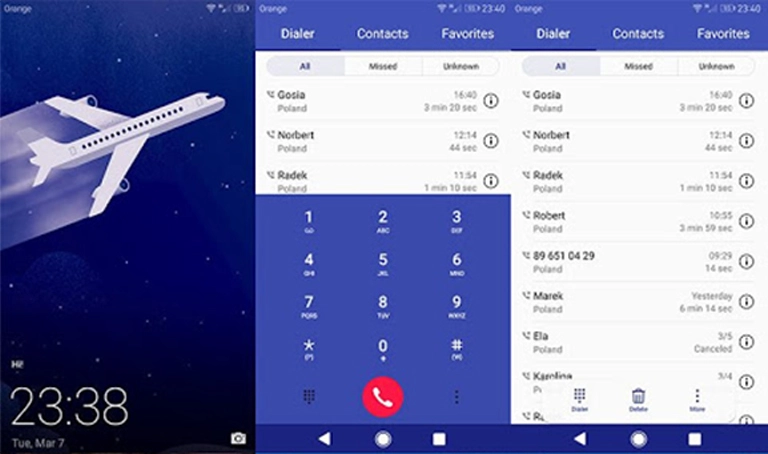
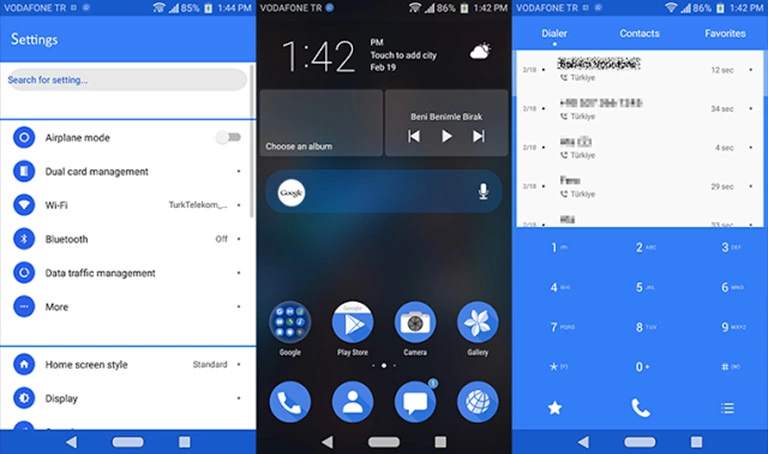
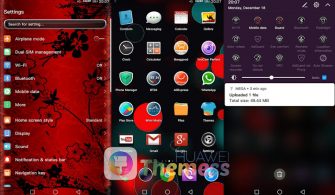
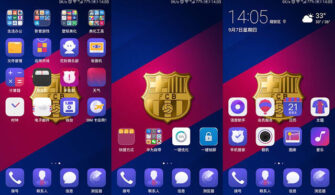
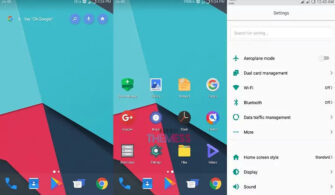
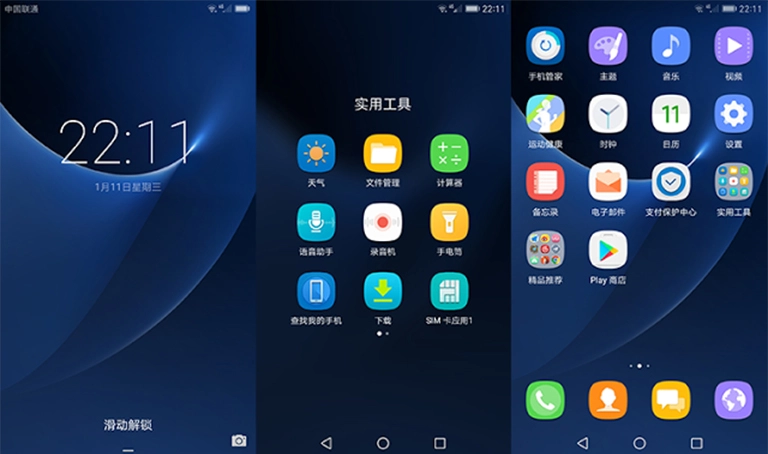
Get ready to take your Huawei device to the next level with the sleek and premium Inmaterial Dark theme! This theme is designed to provide a seamless and elite user experience with its smooth animations and vibrant aesthetic, making it perfect for anyone looking to give their phone a fresh new look and feel.
Aesthetic Dark Mode & Custom Icons: The Perfect Premium EMUI Setup
The Inmaterial Dark theme is packed with exciting features, including new fonts, changed wallpapers, a stunning black theme, material icons, and a new status bar and navbar. With these features, you can personalize your phone according to your taste and give it a unique look that reflects your personality.
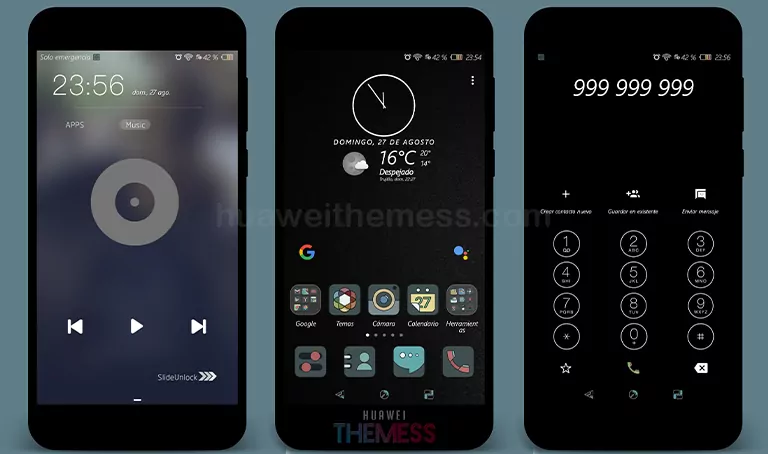
The Inmaterial Dark theme is not only visually stunning but also highly functional. Its unique blend of dark mode and custom icons gives you a seamless and elite user experience, making it perfect for anyone looking to take their Huawei device to the next level.
Compatibility for Inmaterial Dark Theme
The Inmaterial Dark theme is compatible with EMUI 5, making it a great option for users with a range of devices. Whether you have a newer or older device, this theme is designed to work seamlessly with your operating system, providing a smooth and hassle-free user experience.



Frequently Asked Questions
What features are included in the Inmaterial Dark theme?
[The Inmaterial Dark theme includes new fonts, changed wallpapers, a black theme, material icons, and a new status bar and navbar, among other features.]
Is the Inmaterial Dark theme compatible with my EMUI version?
[The theme is compatible with EMUI 5.1/5.0/4.1/4.0, so if you have a device with one of these operating systems, you should be able to use the theme without any issues.]
How to install this theme?
First, download the .hwt file and move it to the Huawei/Themes folder, then apply it via the Themes app. Click here to learn in detail.
The Inmaterial Dark theme is a must-try for anyone looking to give their Huawei device a fresh new look and feel. With its unique blend of dark mode and custom icons, this theme is perfect for anyone looking to take their device to the next level. The theme’s compatibility with a range of devices makes it a great option for users with different operating systems, and its ease of installation means that you can get started right away.