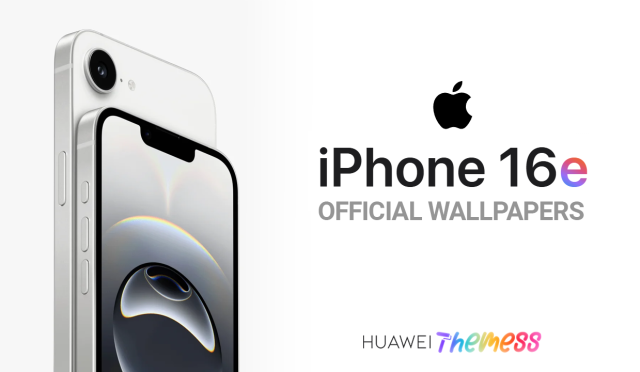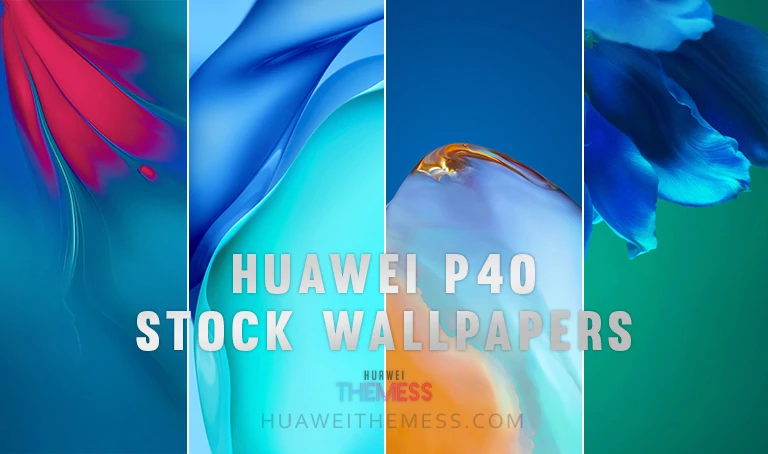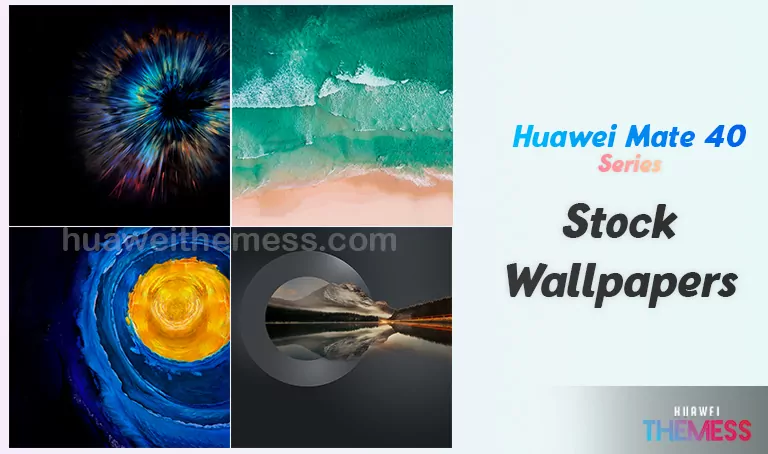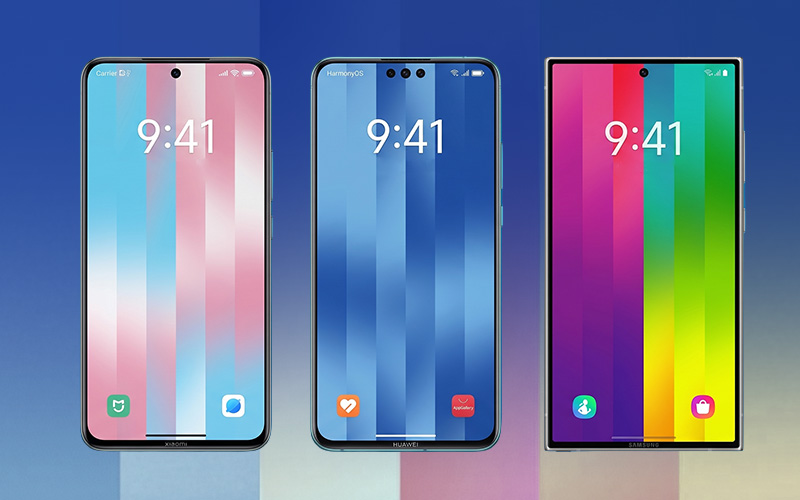
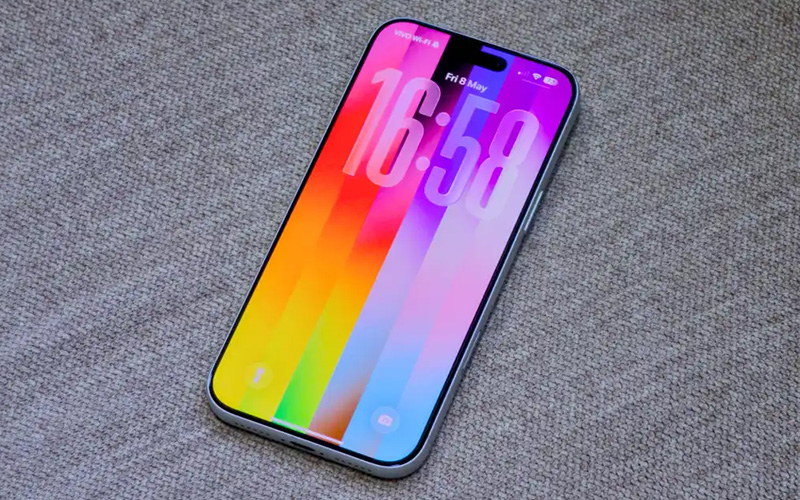
The latest iOS 26.5 update has set the design world abuzz, and one standout feature is the stunning Pride Luminance wallpaper. This breathtaking piece of digital art uses cutting-edge “refractive light” effects, giving your screen the appearance of glowing glass.
While this premium aesthetic was designed for the latest iPhones, you don’t need a new device to enjoy this high-end look. Whether you’re a Huawei, Honor, or Samsung user, this guide will show you how to get the most advanced and stylish wallpaper for your smartphone in 2026.
What Sets the “Pride Luminance” Effect Apart?
This is more than just a high-quality image; it’s a masterpiece specifically designed for modern AMOLED screens. The background is a true “True Black,” meaning on OLED screens, those pixels actually turn off, making the neon backgrounds pop with incredible brightness while saving your battery life.
Complete Your iOS 26.5 Experience with Huawei Themes
While the wallpaper is a great starting point, taking it to the next level requires a matching icon and system menu design. To achieve this, we recommend using our custom iOS 26 Theme for Honor & Huawei, which changes your icons to match the iOS 26.5 aesthetic, creating a seamless and premium Apple experience on your Huawei device.
Compatibility and Installation
This theme is compatible with EMUI 13 and MagicOS 7, ensuring you can enjoy the iOS 26.5 aesthetic on your Huawei or Honor device. To install, simply download the .hwt file, move it to the Huawei/Themes folder, and apply it via the Themes app.
Frequently Asked Questions
What are the key features of the Pride Luminance wallpaper?
[The wallpaper uses “refractive light” effects, giving it a glowing glass appearance, and has a true “True Black” background for optimal brightness and battery life.][click here.
The iOS 26.5 “Pride Luminance” aesthetic is a true masterpiece, and with our custom theme, you can enjoy this premium look on your Huawei device. By combining the stunning wallpaper with our custom theme, you’ll get a seamless and premium Apple experience that elevates your smartphone to the next level.