Bring the Spooky Halloween Magic to Your Huawei Device with a Unique Theme
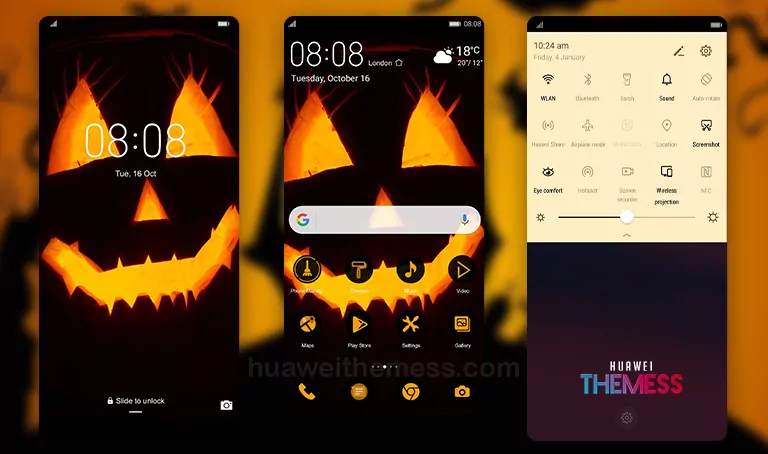
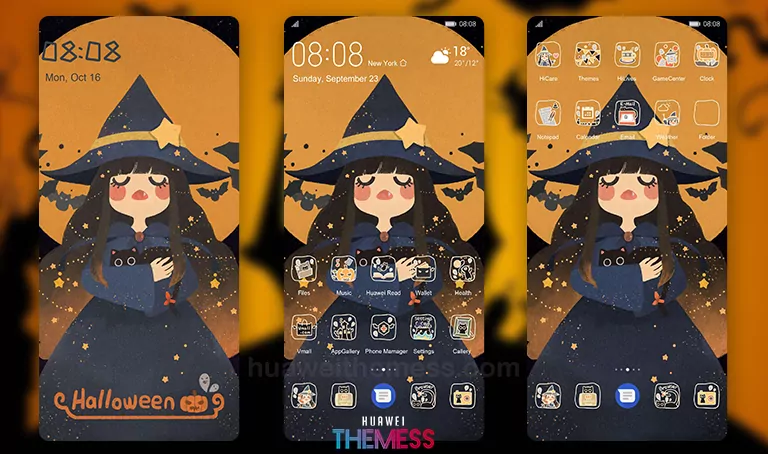
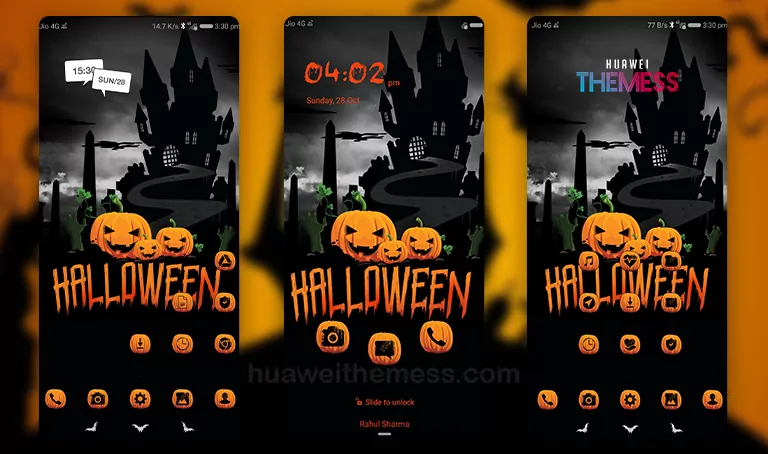
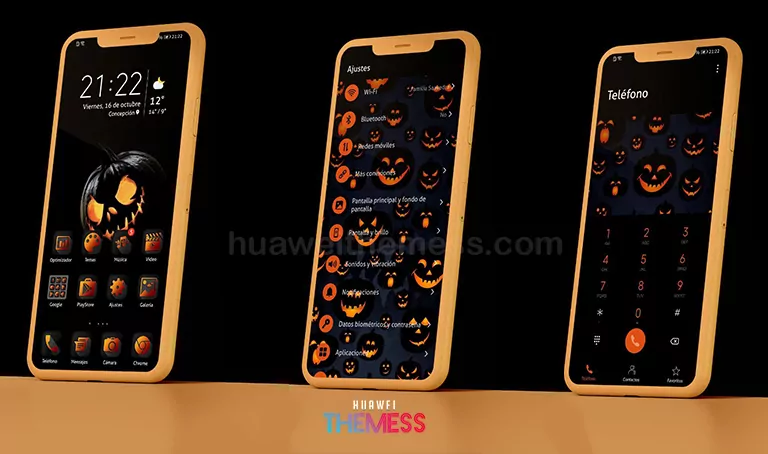
The Halloween theme is a perfect choice for those who love the spooky season. With its dark mode, custom icons, and stylish app lookups, the theme is sure to make your phone stand out from the crowd. The overall vibe of the theme is premium and sleek, making it a great option for those looking to customize their phone’s look and feel. As shown in the images below, the theme comes with a variety of Halloween-themed wallpapers, including a spooky pumpkin design.
Compatibility and System Requirements
The Halloween theme is compatible with various EMUI versions, including EMUI 10.1/10/9.1/9.0/8.1/8.0/5.1/5.0 and MagicUI 3/2. This means that users with different Huawei devices can enjoy the theme’s features and design, making it a great option for those looking to customize their phone’s look and feel.
Frequently Asked Questions
What are the key features of the Halloween theme?
The Halloween theme features Halloween pumpkin wallpaper, black and orange icons, stylish app lookups, and bugs fixed.
Is the theme compatible with my Huawei device?
The theme is compatible with EMUI 10.1/10/9.1/9.0/8.1/8.0/5.1/5.0 and MagicUI 3/2.
How to install this theme?
First, download the .hwt file and move it to the Huawei/Themes folder, then apply it via the Themes app. Click here to learn in detail.
The Halloween theme completely transforms the Huawei experience, giving users a unique and stylish look that’s perfect for the spooky season. With its dark mode, custom icons, and stylish app lookups, the theme is sure to make your phone stand out from the crowd. The overall vibe of the theme is premium and sleek, making it a great option for those looking to customize their phone’s look and feel. Whether you’re a fan of Halloween or just looking for a new theme to try, the Halloween theme is definitely worth checking out.