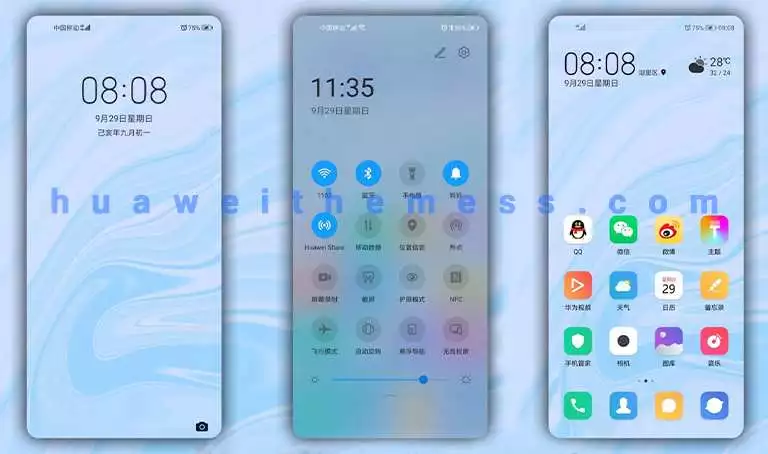
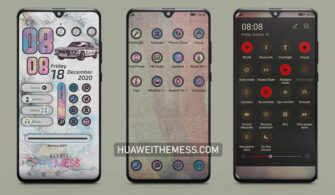
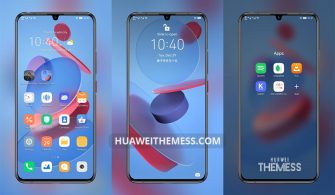
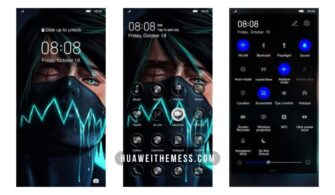
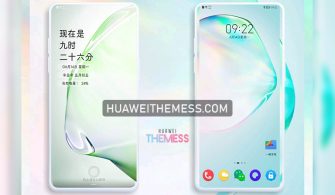
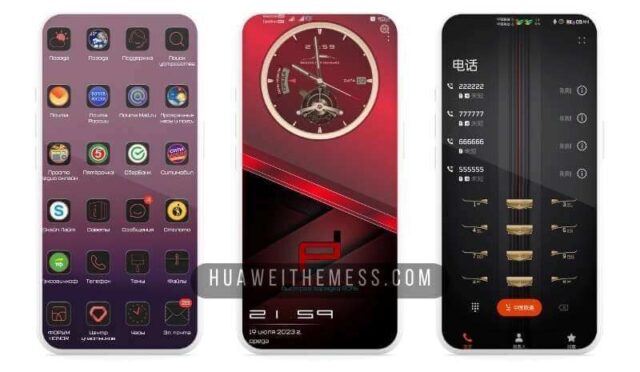
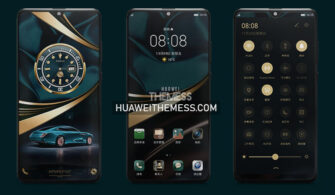
This Qiqiao theme is a game-changer for Huawei and Honor device owners. Its sleek, modern design brings a touch of premium elegance to your device, setting it apart from the crowd. With its vibrant color scheme and eye-catching graphics, this theme is sure to turn heads.
Qiqiao Theme Features
At the heart of the Qiqiao theme lies a stunning collection of wallpapers, expertly crafted to bring out the best in your device’s display. The app icons have been reimagined to match the theme’s sleek aesthetic, creating a seamless visual experience.
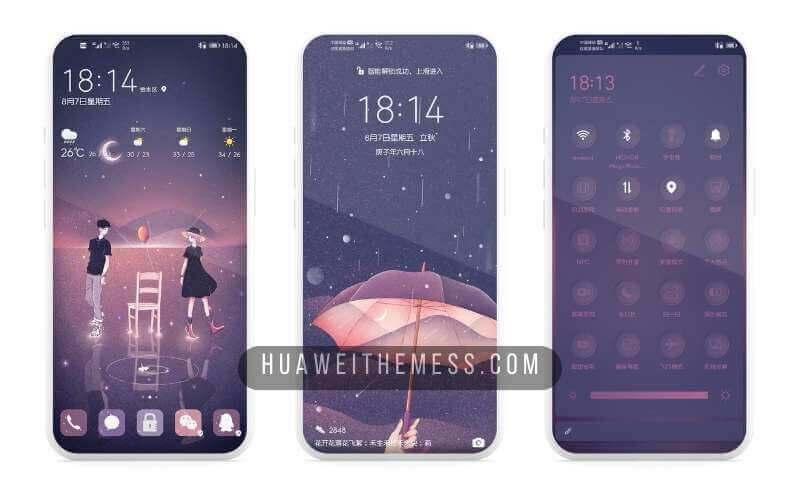
But that’s not all – the Qiqiao theme also boasts a dynamic, animated lockscreen that adds an extra layer of visual interest to your device. The smooth interface ensures a clutter-free experience, letting you focus on the features that matter most.
Compatibility
The Qiqiao theme is compatible with a wide range of EMUI and MagicUI versions, making it accessible to a broad audience. Whether you’re running EMUI 12, 11, 10, or 9.0, or MagicUI 6, 5, 4, 3, or 2, this theme is sure to impress.



Frequently Asked Questions
What devices is Qiqiao Theme compatible with?
The Qiqiao theme is compatible with a wide range of Huawei and Honor devices running EMUI 12, 11, 10, or 9.0, or MagicUI 6, 5, 4, 3, or 2.
How do I download Qiqiao Theme?
You can download the Qiqiao theme by clicking on the link provided in the Huawei Themess website.
How do I install Qiqiao Theme?
First, download the .hwt file and move it to the Huawei/Themes folder, then apply it via the Themes app. Click here to learn in detail.
The Qiqiao theme is a masterclass in design, effortlessly blending functionality with style. Its vibrant color scheme, eye-catching graphics, and seamless interface make it a must-have for anyone looking to elevate their device’s aesthetic. Whether you’re a fan of HarmonyOS or MagicUI, this theme is sure to impress.